> ## Documentation Index
> Fetch the complete documentation index at: https://docs.zoice.com/llms.txt
> Use this file to discover all available pages before exploring further.
# How to Make a Singing AI Avatar Video
> Create expressive, singing AI avatar videos by combining your talking avatars with customized vocal tracks or music.
## What is a Singing AI Avatar?
A singing AI avatar is a digital presenter animated to lip-sync and perform in perfect synchronization with a vocal music track. By combining Zoice's advanced facial animation models with audio uploads, you can create music videos, brand jingles, or fun social media content using custom or stock avatars.
## Prerequisites
Before starting, ensure you have:
* A front-facing avatar image (or a configured custom/stock avatar).
* A clear audio vocal track (MP3 or WAV format). For best results, use clean vocals with minimal background music or instrumentation.
***
## Step-by-Step Guide
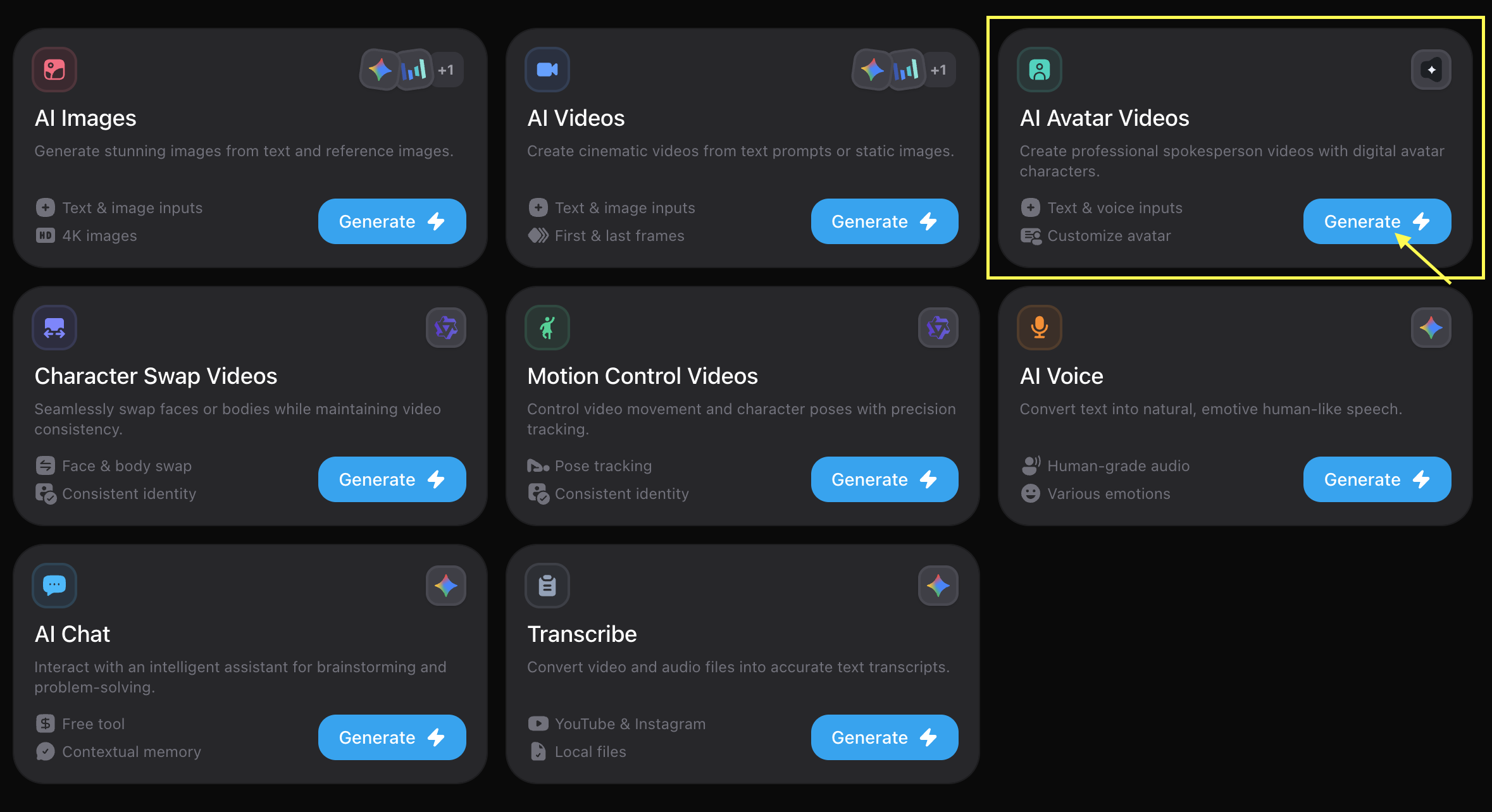
Log in to your [Zoice Dashboard](https://zoice.com) and click **See all tools**. Scroll down and locate **AI Avatar Videos**, then click **Generate**.
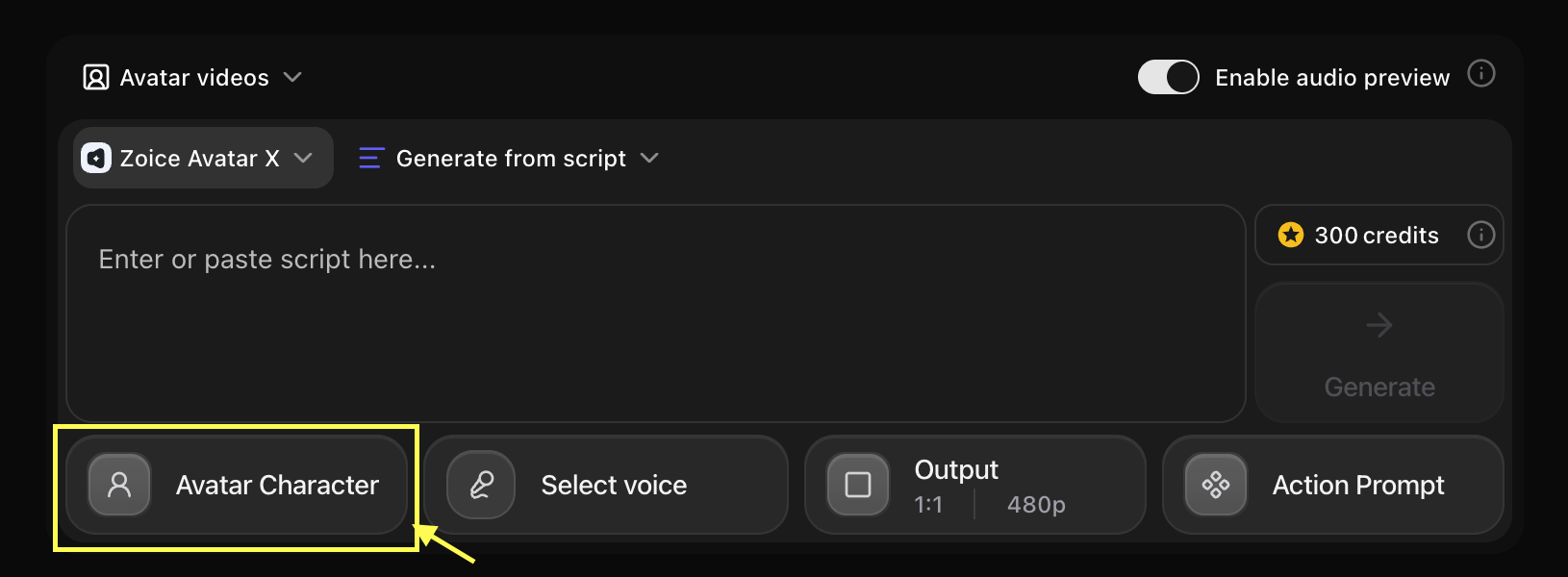
 Click on the **Avatar Character** option to open your avatar library. You can choose from **Stock Avatars** or use a **Custom Avatar** you created previously.
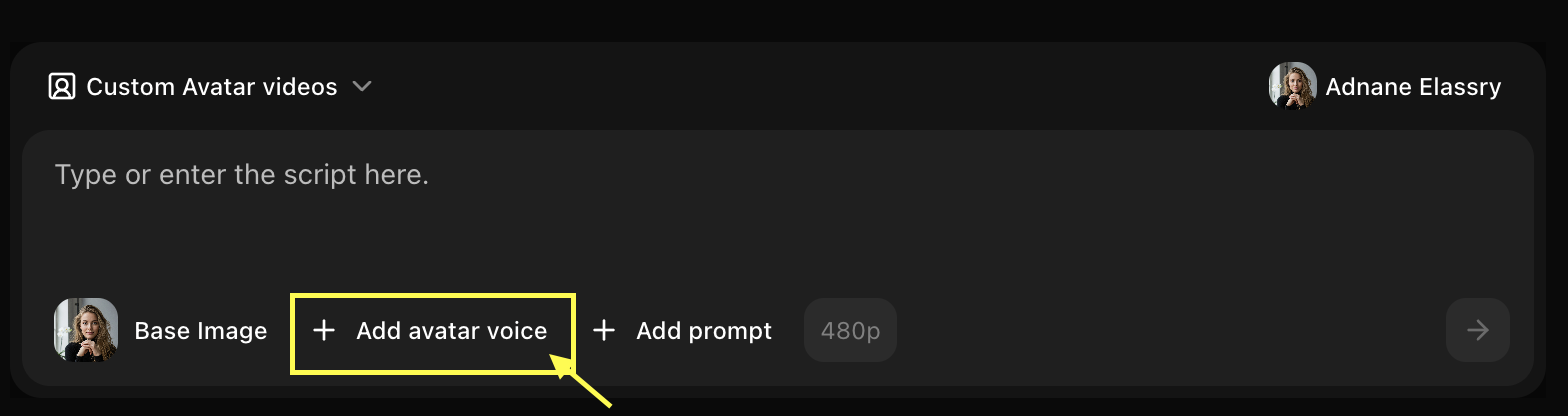
 In the configuration panel, switch to the audio settings tab. Click the **Upload** or **New** button under the voice section to upload your pre-recorded singing vocal track (MP3/WAV format).
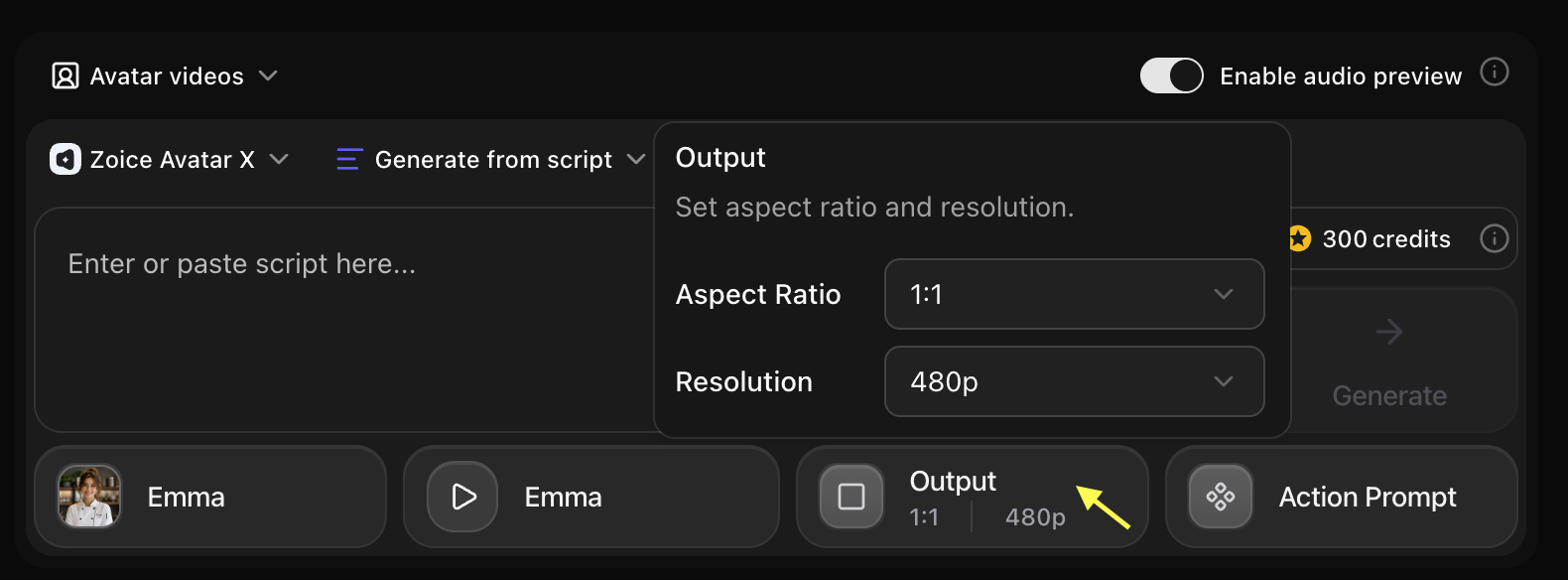
 For singing avatars, set the **Expression Intensity** to **High** or **Expressive** to ensure dynamic facial expressions that match the energy of the song. Choose an appropriate aspect ratio (e.g., 9:16 for TikTok/Shorts or 16:9 for YouTube).
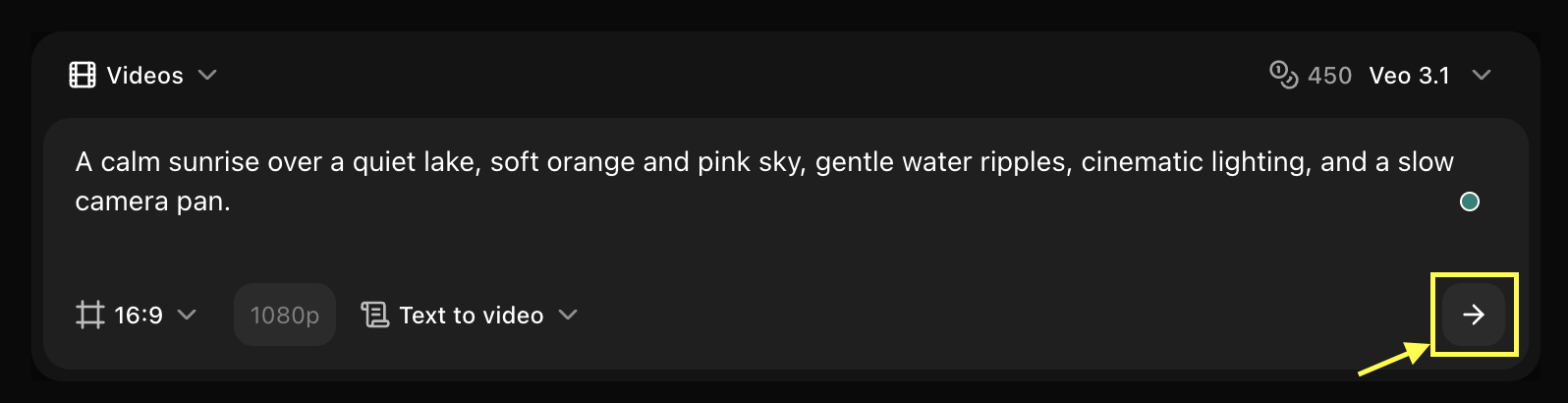
 Review your settings and click the **Generate** button. Once processing is complete, download your singing AI avatar video or share it directly!
 ***
## Best Practices for Singing Avatars
* **Use Clean Vocals**: Background instruments can sometimes confuse the lip-syncing engine. For best results, upload an acapella/isolated vocal track.
* **Avoid Overlapping Vocals**: Make sure only one person is singing at a time in the audio track.
* **Front-Facing Angle**: Ensure the avatar's face directly faces the camera.
* **Closed Mouth**: Choose a starting image where the subject's mouth is completely closed for natural-looking lip movements.
* **Good Lighting**: Bright, even lighting helps the AI track and animate facial muscles realistically.
* Use the **Expression Intensity** slider to add energy.
* Match the avatar's preset emotions (e.g., Happy, Passionate) to the mood of the song for a more believable performance.
***
## Next Steps
Learn how to clone your own voice for personalized singing.
Explore text-to-video features for secondary clips.
***
## Best Practices for Singing Avatars
* **Use Clean Vocals**: Background instruments can sometimes confuse the lip-syncing engine. For best results, upload an acapella/isolated vocal track.
* **Avoid Overlapping Vocals**: Make sure only one person is singing at a time in the audio track.
* **Front-Facing Angle**: Ensure the avatar's face directly faces the camera.
* **Closed Mouth**: Choose a starting image where the subject's mouth is completely closed for natural-looking lip movements.
* **Good Lighting**: Bright, even lighting helps the AI track and animate facial muscles realistically.
* Use the **Expression Intensity** slider to add energy.
* Match the avatar's preset emotions (e.g., Happy, Passionate) to the mood of the song for a more believable performance.
***
## Next Steps
Learn how to clone your own voice for personalized singing.
Explore text-to-video features for secondary clips.