1
**Go to the Zoice Login Page**
Open the login page: [https://app.zoice.com/login](https://app.zoice.com/login)
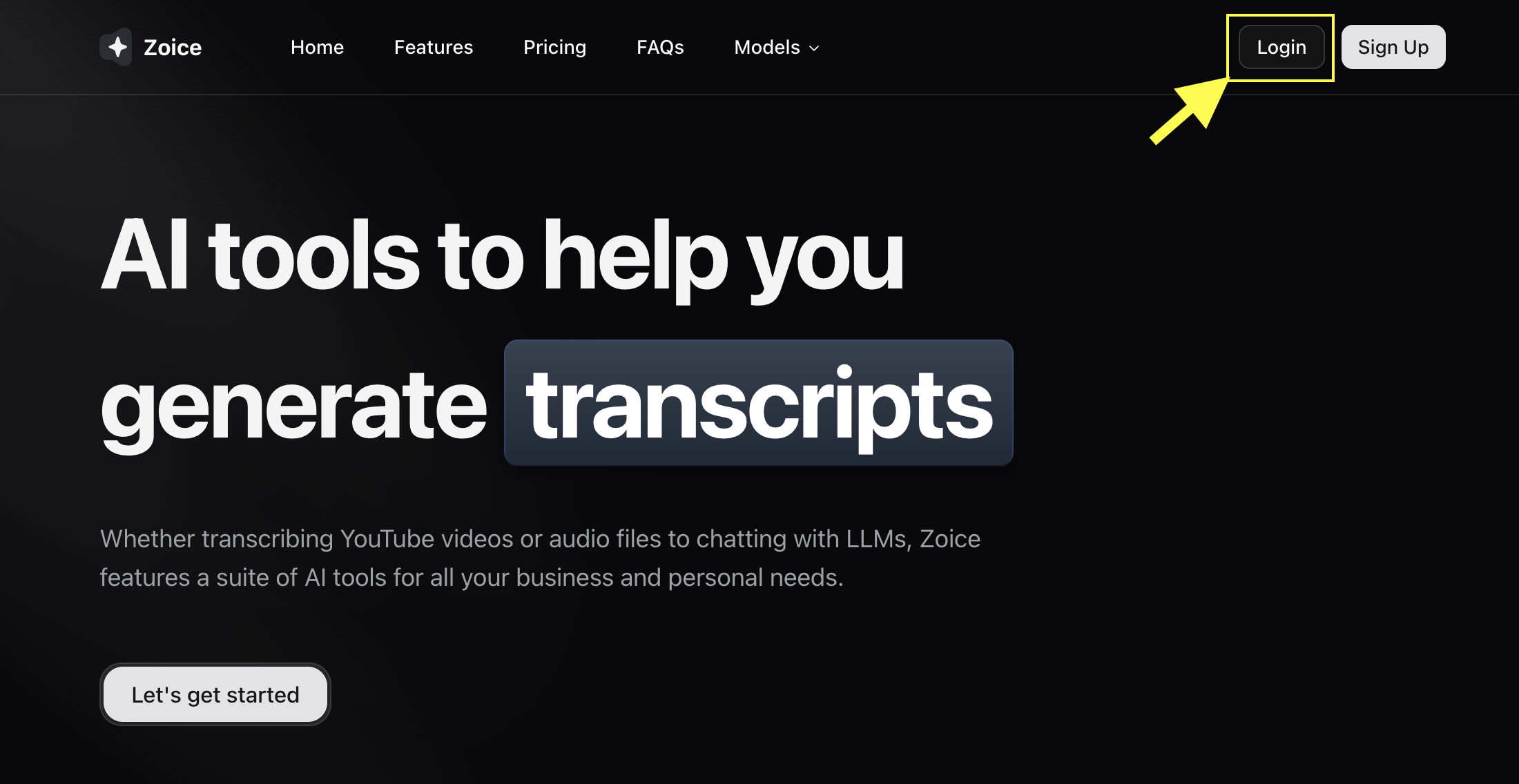
**Go to the Zoice Login Page**
Open the login page: [https://app.zoice.com/login](https://app.zoice.com/login)
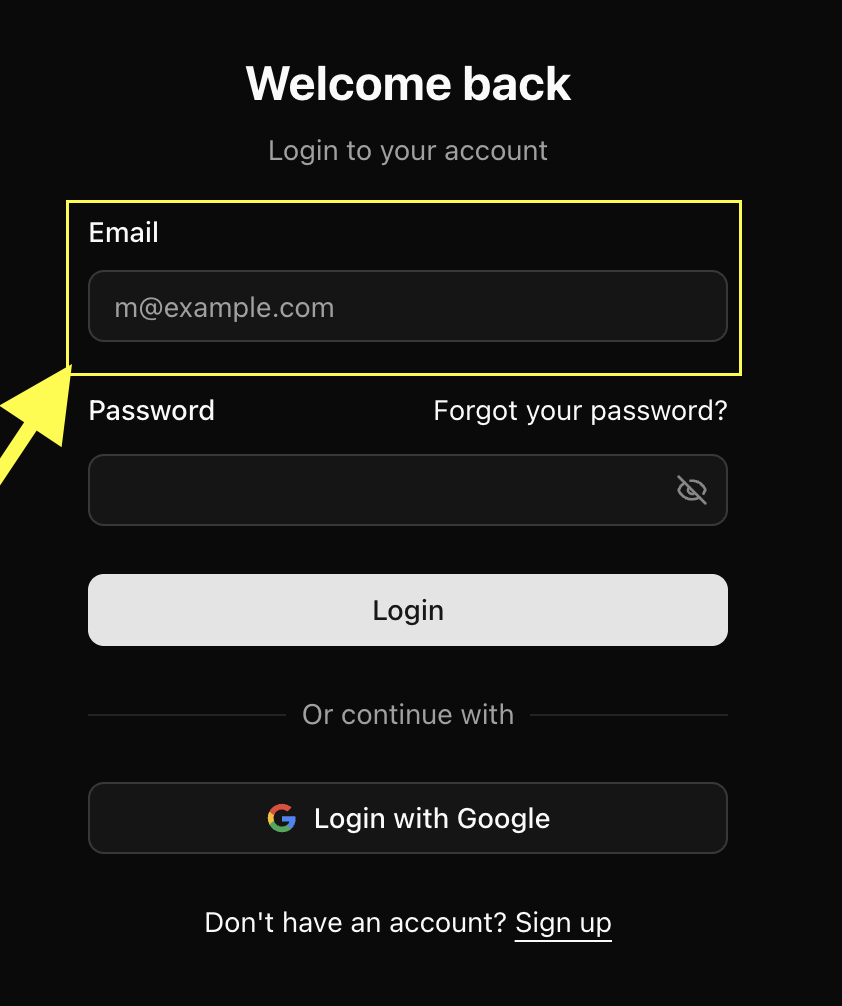
**Enter your Email Address**
Type the email you used to create your Zoice account.
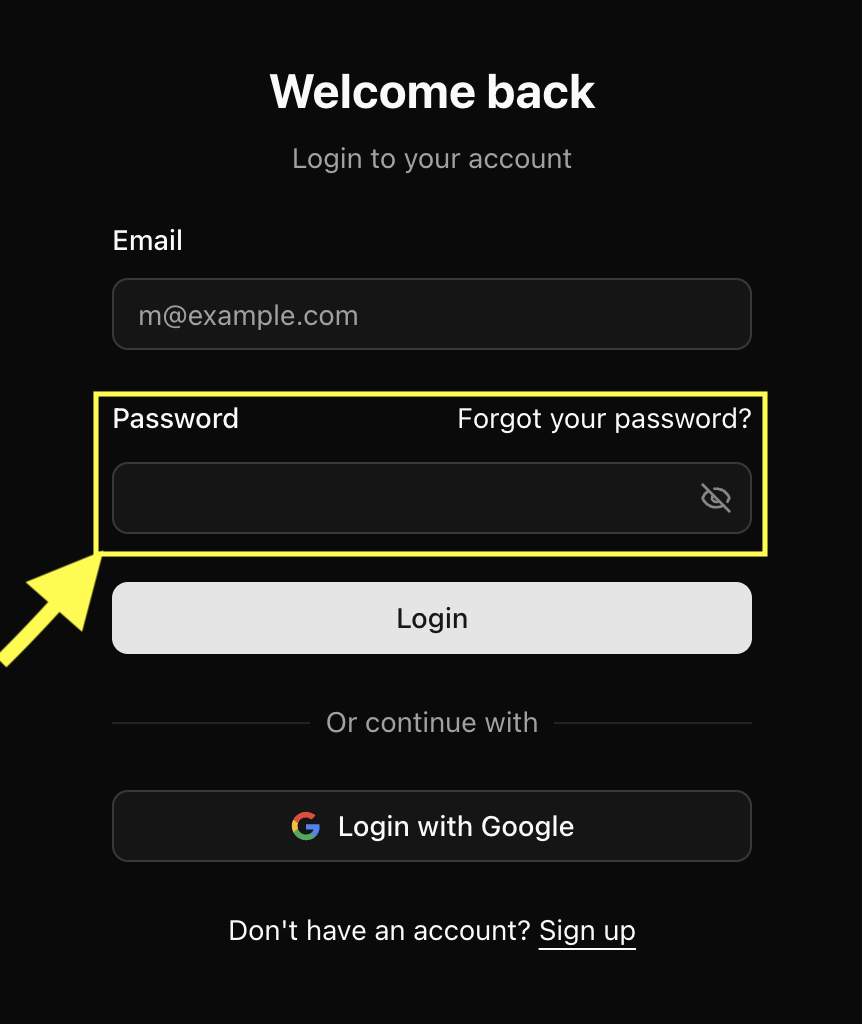
**Enter your Password**
Enter your password in the password field.
**Click "Continue"**
Click the **Continue** button to sign in. If your credentials are correct, you'll be redirected to your Zoice dashboard.
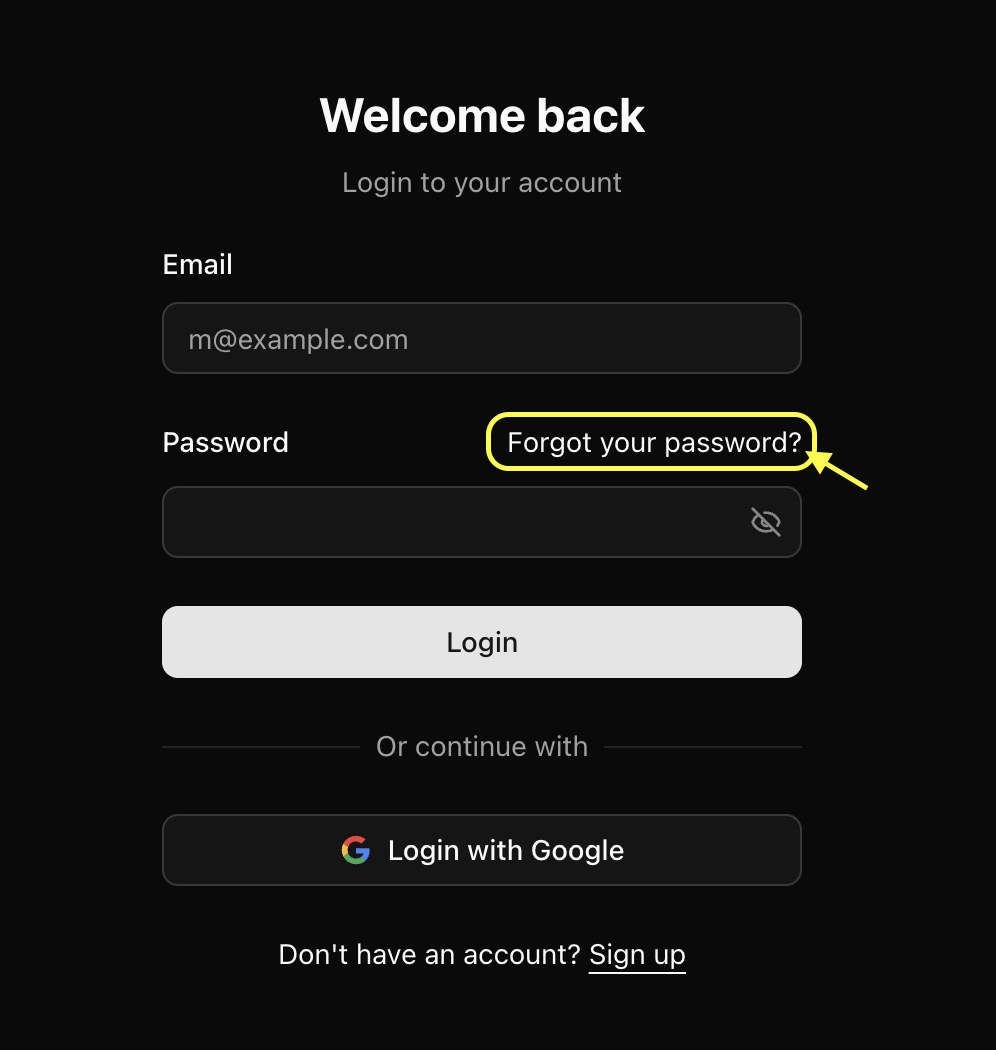 2. Enter your email
3. Check your inbox for a reset link
4. Create a new password
If you don't receive the email, check spam or promotions folders.
### Troubleshooting Login Issues
#### Invalid email or password
Double-check the spelling of your email and try resetting your password.
#### Didn't receive reset email
* Check your spam folder
* Ensure you entered the correct email
* Wait 1–2 minutes; email delivery may be delayed
#### Account not found
Make sure you used the same email you used during registration.
#### Still unable to log in?
Contact support: [**contact@zoice.com**](mailto:contact@zoice.com)
***
2. Enter your email
3. Check your inbox for a reset link
4. Create a new password
If you don't receive the email, check spam or promotions folders.
### Troubleshooting Login Issues
#### Invalid email or password
Double-check the spelling of your email and try resetting your password.
#### Didn't receive reset email
* Check your spam folder
* Ensure you entered the correct email
* Wait 1–2 minutes; email delivery may be delayed
#### Account not found
Make sure you used the same email you used during registration.
#### Still unable to log in?
Contact support: [**contact@zoice.com**](mailto:contact@zoice.com)
***