> ## Documentation Index
> Fetch the complete documentation index at: https://docs.zoice.com/llms.txt
> Use this file to discover all available pages before exploring further.

# Sign Up

> Learn how to create your Zoice account and get started quickly.

## Sign Up

Follow these steps to create your Zoice account and access all AI tools including video, image, voice, and avatar generation.

## Steps to Sign Up at Zoice

<div className="step-wrapper">
  <div className="step-bubble">1</div>

  <div className="step-content">
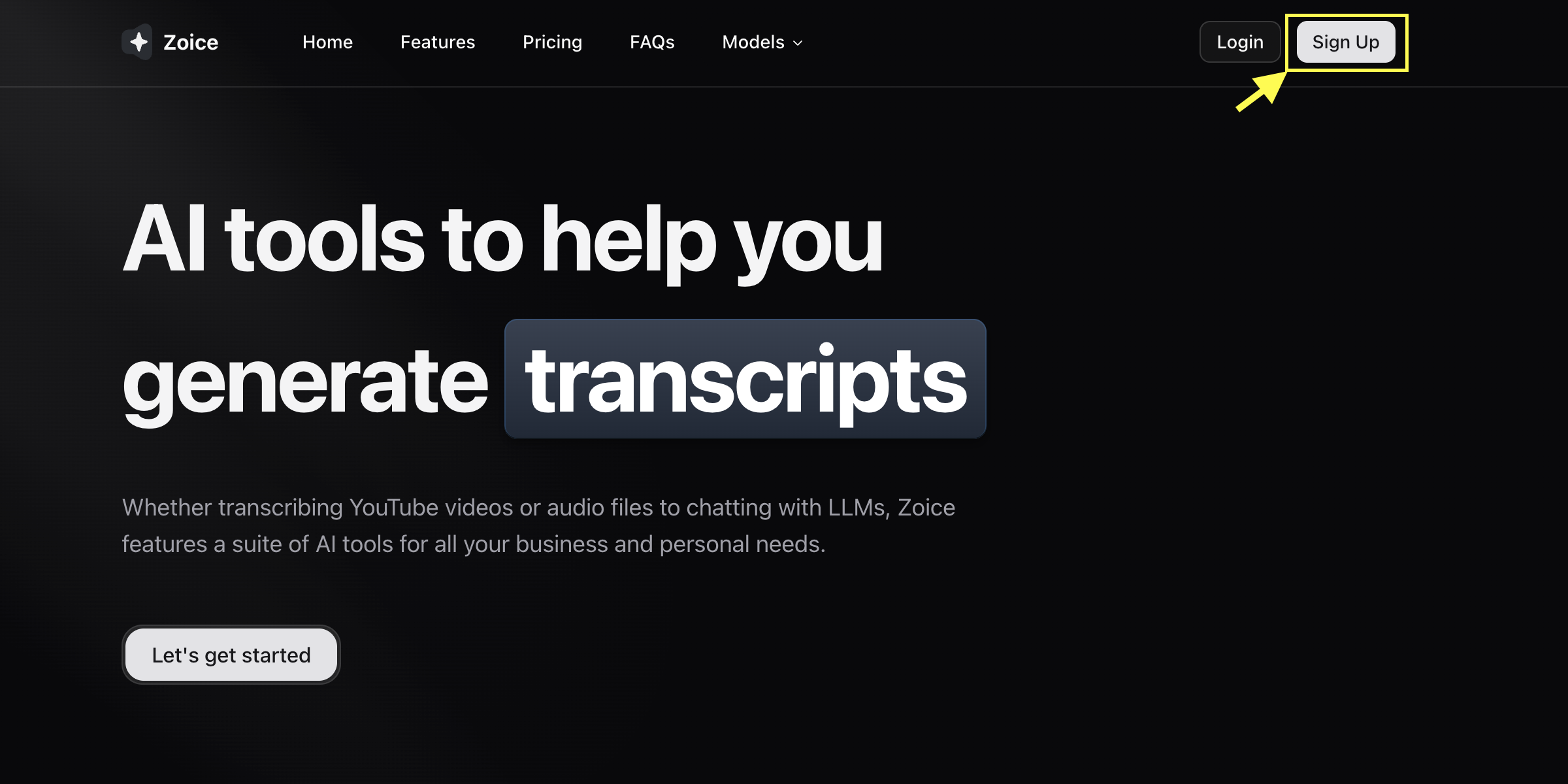
    <p>**Go to Zoice.com**</p>
    <p>Open **[https://zoice.com](https://zoice.com)** in your browser and click the **Sign Up** button located in the top-right corner of the homepage.</p>

    <Frame>
      <img src="https://mintlify.s3.us-west-1.amazonaws.com/shoutpreneurllp/images/signup-button.png" alt="Sign Up" />
    </Frame>
  </div>
</div>

<div className="step-wrapper">
  <div className="step-bubble">2</div>

  <div className="step-content">
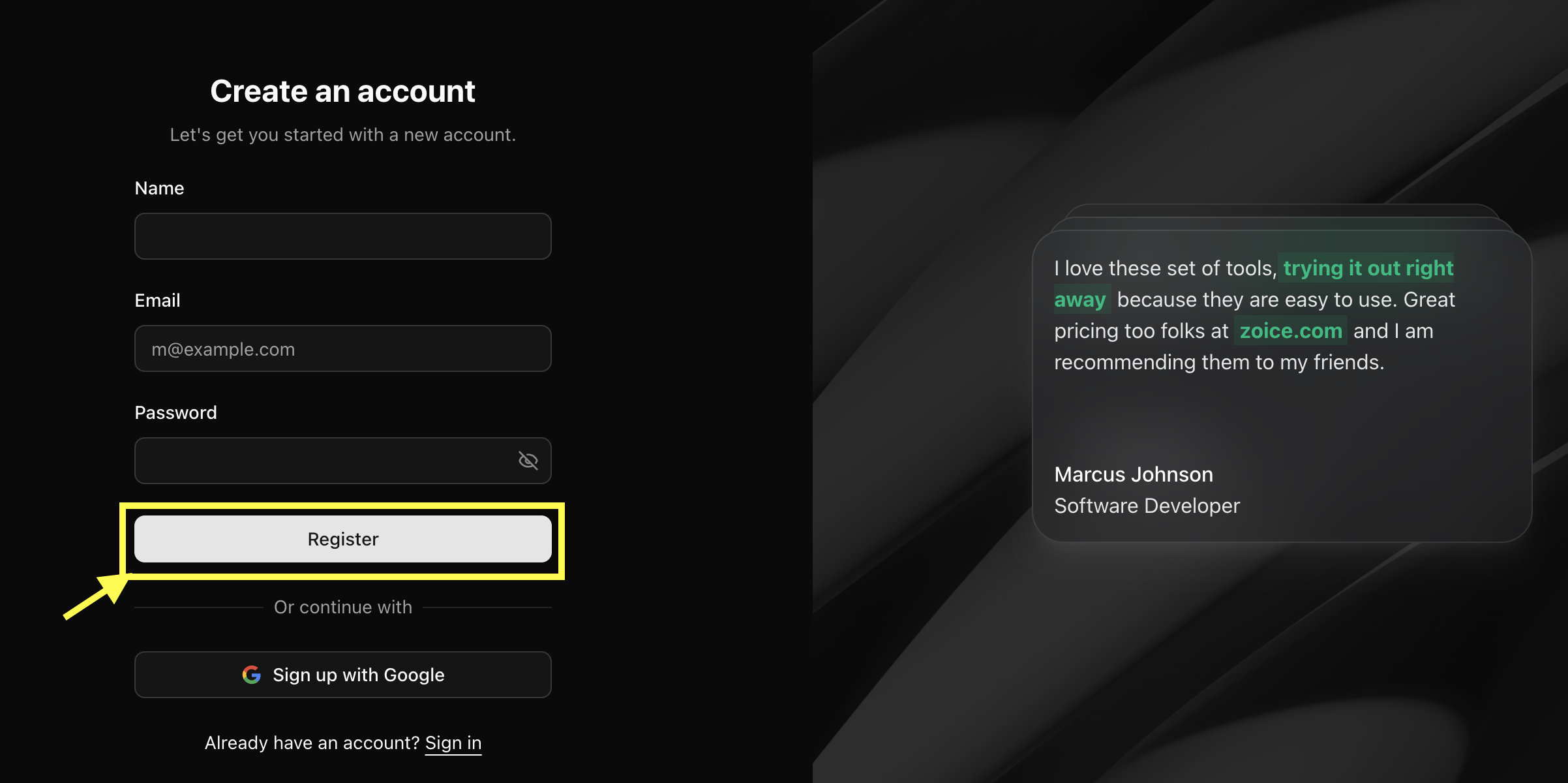
    <p>**Enter Your Details**</p>
    <p>Fill in the required information, including your name, email address, and desired password, then click **Register** to create your account.</p>

    <Frame>
      <img src="https://mintlify.s3.us-west-1.amazonaws.com/shoutpreneurllp/images/register-with-details.png" alt="Sign Up" />
    </Frame>
  </div>
</div>

<div className="step-wrapper">
  <div className="step-bubble">3</div>

  <div className="step-content">
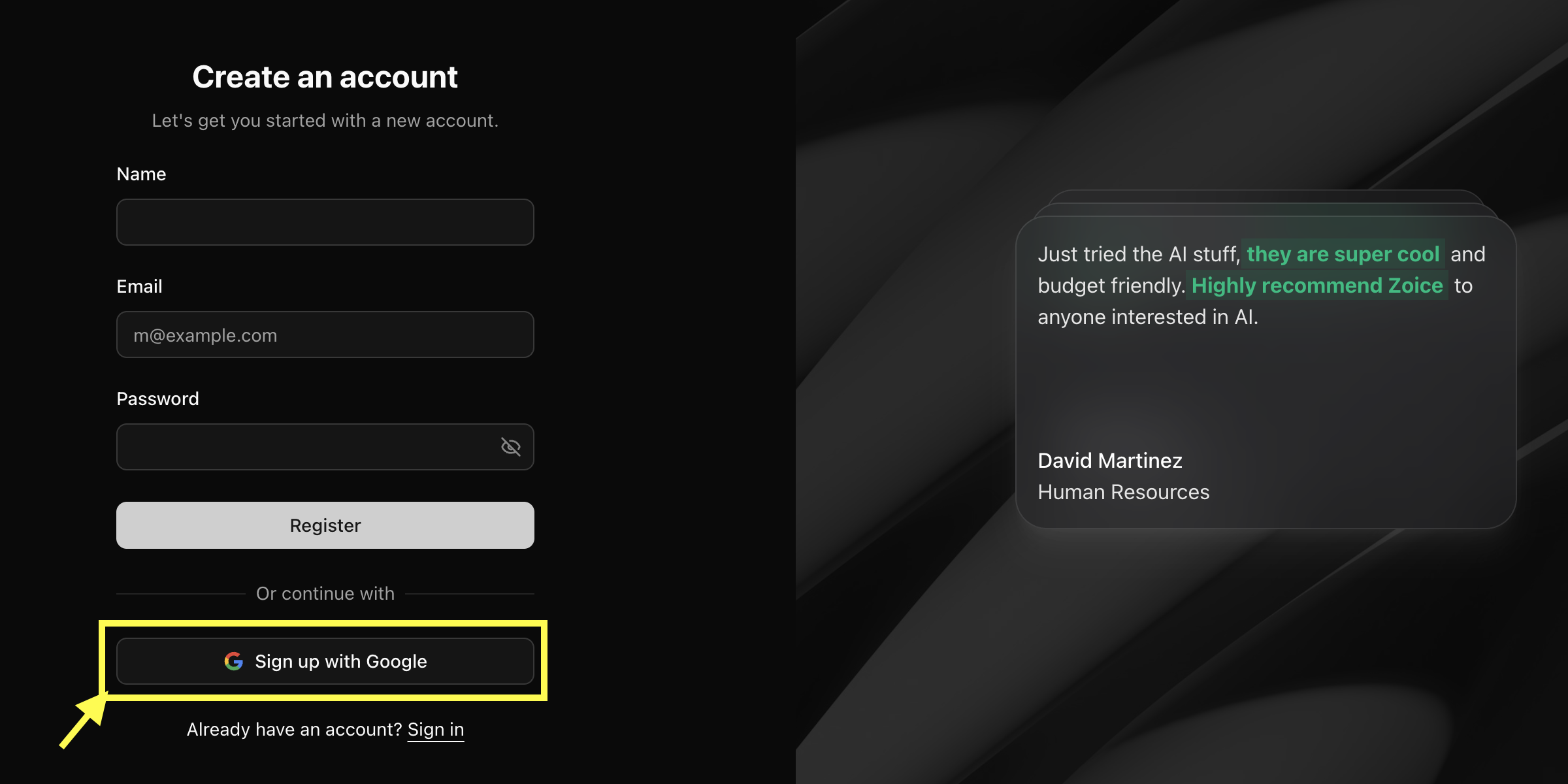
    <p>**Sign Up with Google (Optional)**</p>
    <p>You can also use **Sign Up with Google** to create your account instantly using your Gmail account. No password is required with this method.</p>

    <Frame>
      <img src="https://mintlify.s3.us-west-1.amazonaws.com/shoutpreneurllp/images/google-signup.png" alt="Sign Up with Google" />
    </Frame>
  </div>
</div>

<div className="step-wrapper">
  <div className="step-bubble">4</div>

  <div className="step-content">
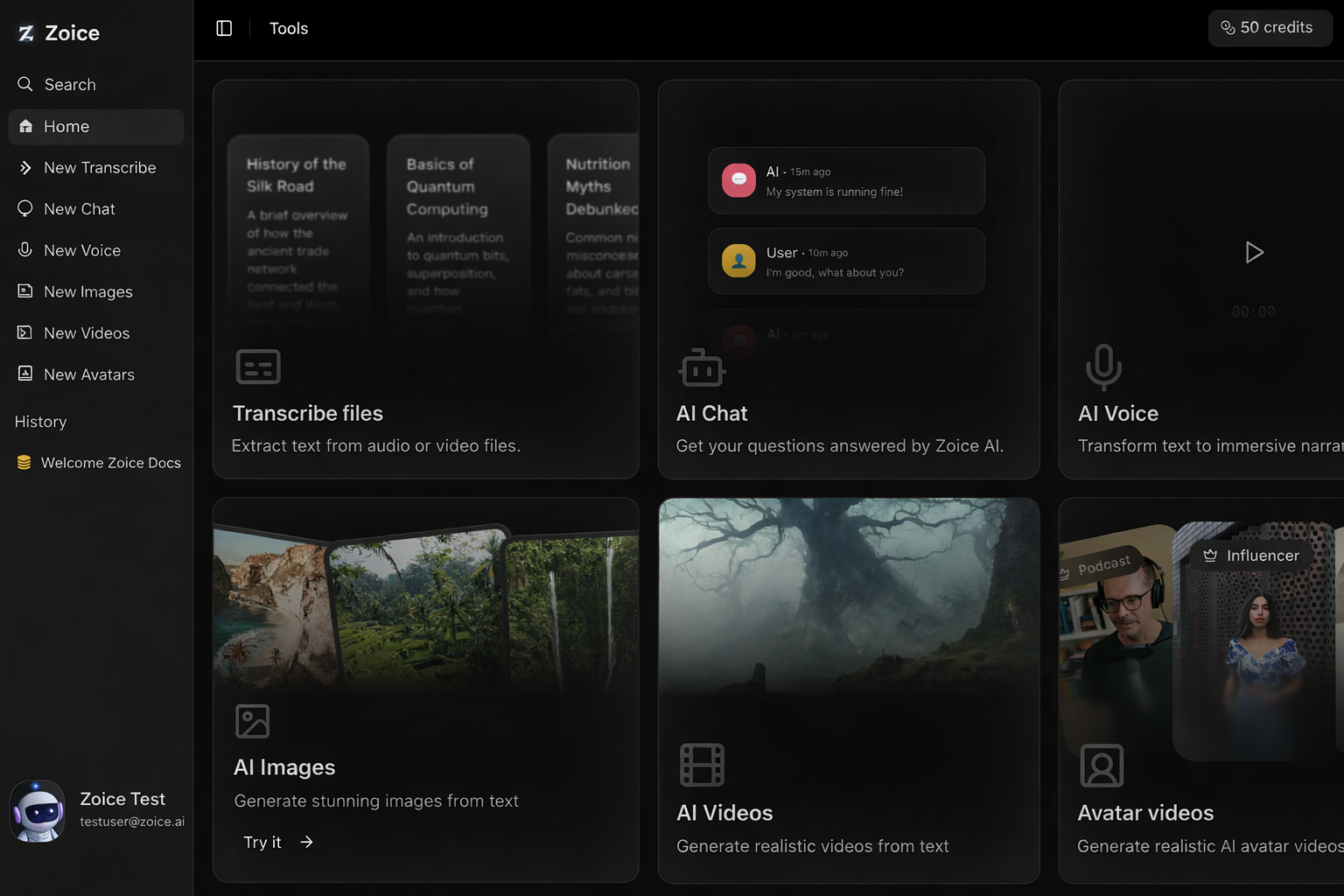
    <p>**Complete Signup**</p>
    <p>After submitting the form, your account is created successfully. You will be logged in automatically and redirected to the Zoice dashboard.</p>

    <Frame>
      <img src="https://mintlify.s3.us-west-1.amazonaws.com/shoutpreneurllp/images/zoice-dashboard.png" alt="Zoice Dashboard" />
    </Frame>
  </div>
</div>

### Troubleshooting Registration Issues

#### Email already in use

If you see an error that your email is already in use, you might have already created an account. Try [logging in](https://app.zoice.com/login) instead, or reset your password if you’ve forgotten it.

#### Didn't receive verification email

* Check your spam or promotions folder.
* Ensure you entered your email address correctly.
* Wait for a few minutes; sometimes delivery can be delayed.

#### Password requirements not met

Make sure your password meets the minimum security requirements (e.g., length, special characters) mentioned on the form.

#### Still unable to sign up?

If you're facing persistent issues, please contact our support team at [**support@zoice.com**](mailto:support@zoice.com) or try signing up with a Google account for instant access.