

Overview
Imagen 4 Fast provides professional-quality images with faster generation times, ideal for projects requiring quick turnaround without sacrificing quality.Quick Start
1
Navigate to Image Generator by Clicking on New Image
Go to the Image Generator tool in your Zoice dashboard by clicking on New Image.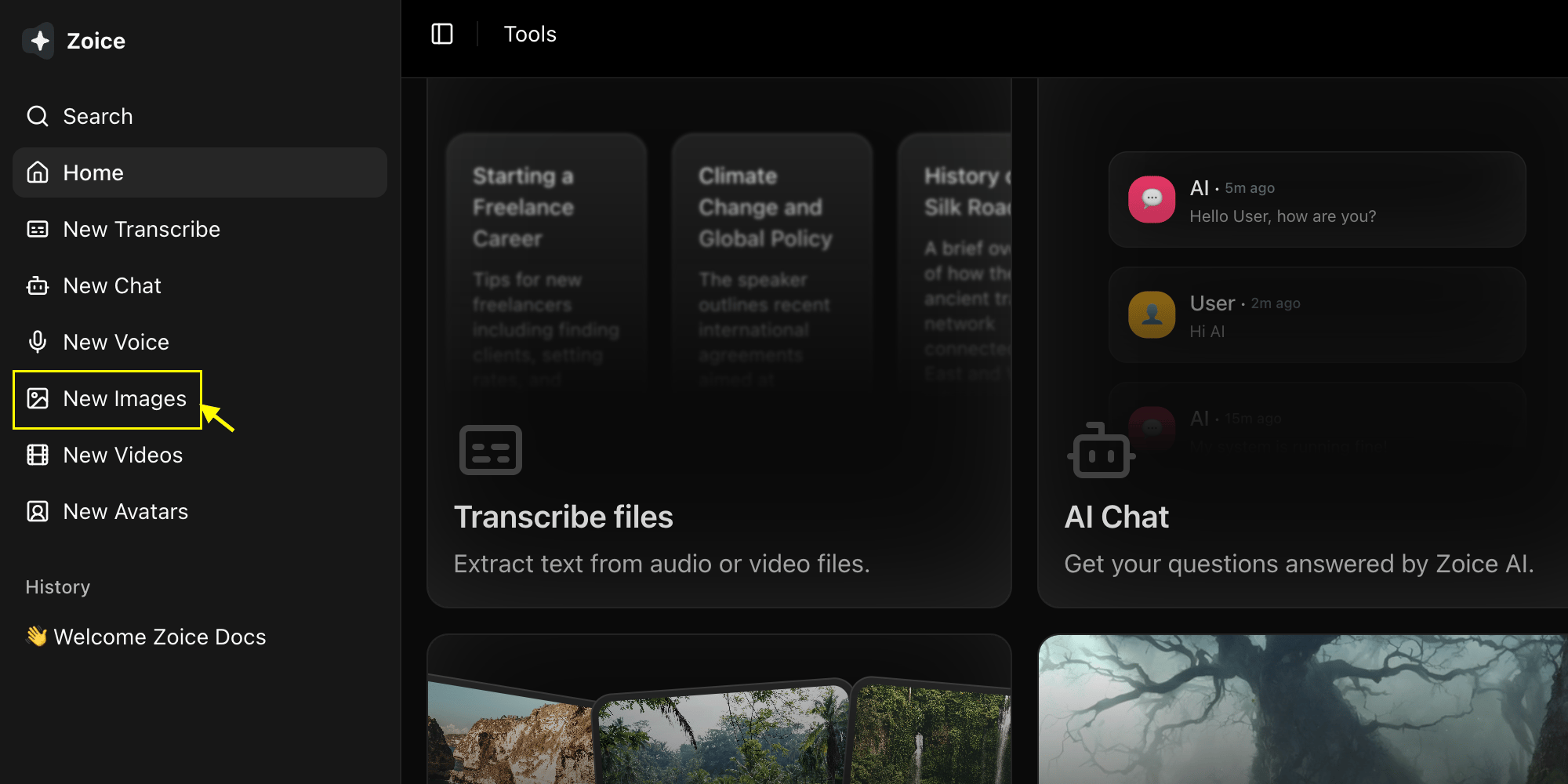
2
Select Imagen 4 Fast Model
Choose “Imagen 4 Fast” from the model selector.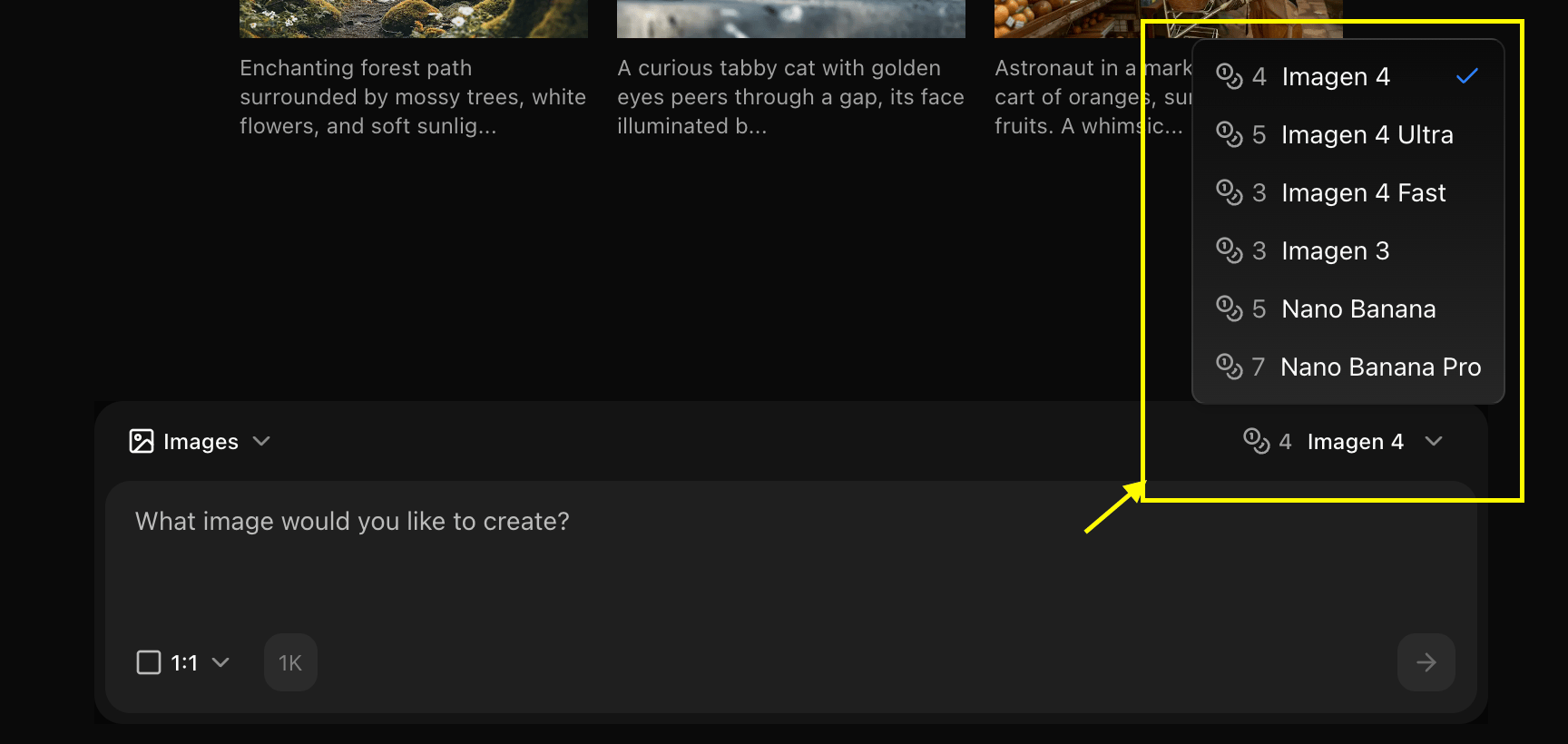
3
Configure Settings for Image
Set resolution for the image you want to generate.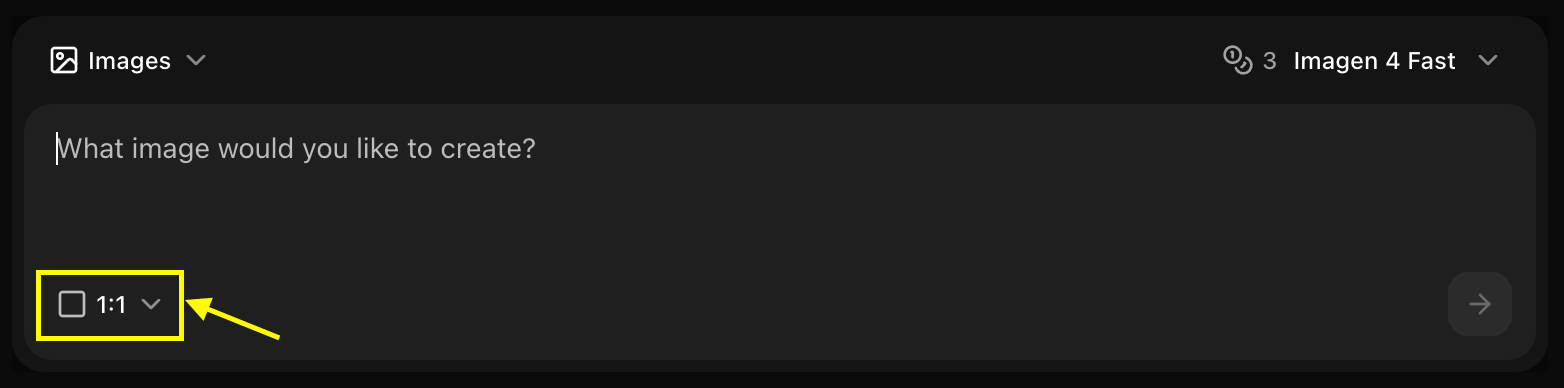
4
Write Your Prompt
Enter a detailed description of the image you want to create in the prompt box.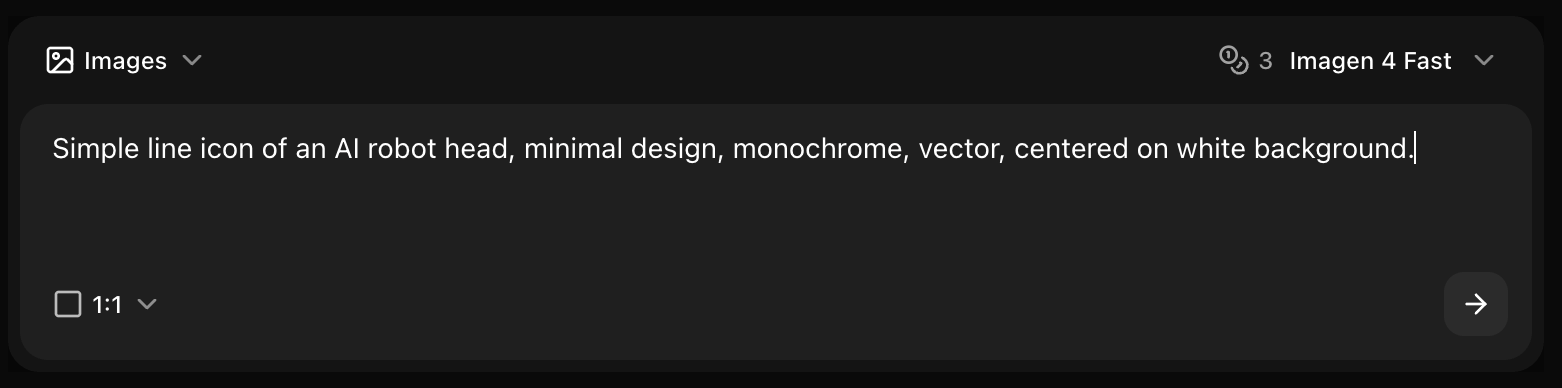
5
Click on Generate
Click generate and wait few seconds for your image to be generated.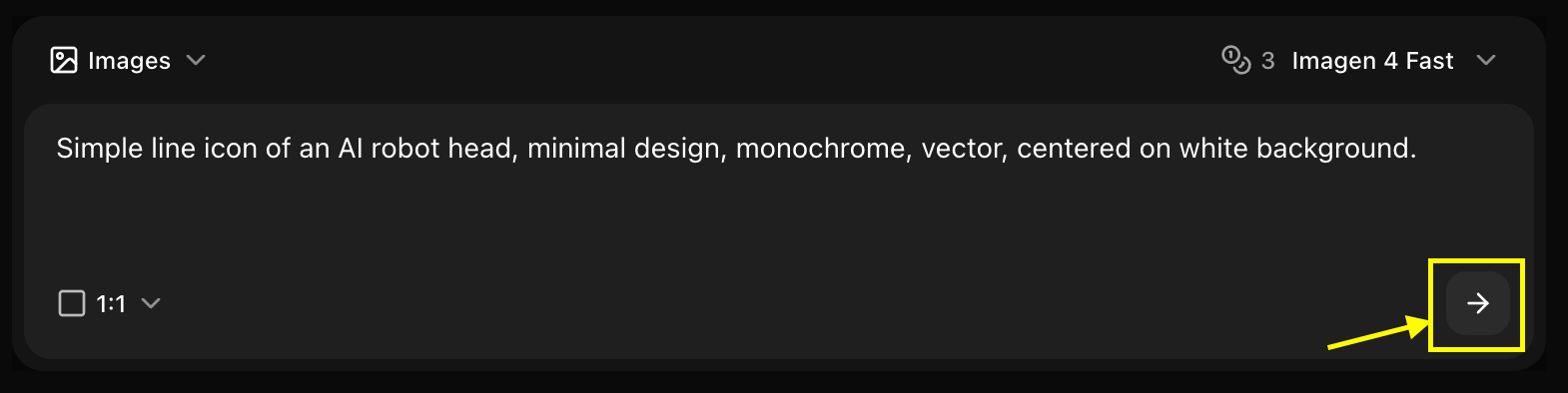
6
Download
Save your generated image
Best Practices
- Use clear, detailed prompts
- Leverage fast generation for iterations
- Perfect for time-sensitive projects
Next Steps
Model Overview
Learn about Imagen 4 Fast
Prompt Guide
Improve your prompts
Image Generator Tool
Back to the main Image Generator guide