

Quick Start
Imagen 4 Ultra delivers maximum quality and resolution for professional projects. This guide shows you how to leverage its advanced capabilities for print-ready, ultra-detailed images.1
Navigate to Image Generator by Clicking on New Image
Go to the Image Generator tool in your Zoice dashboard by clicking on New Image.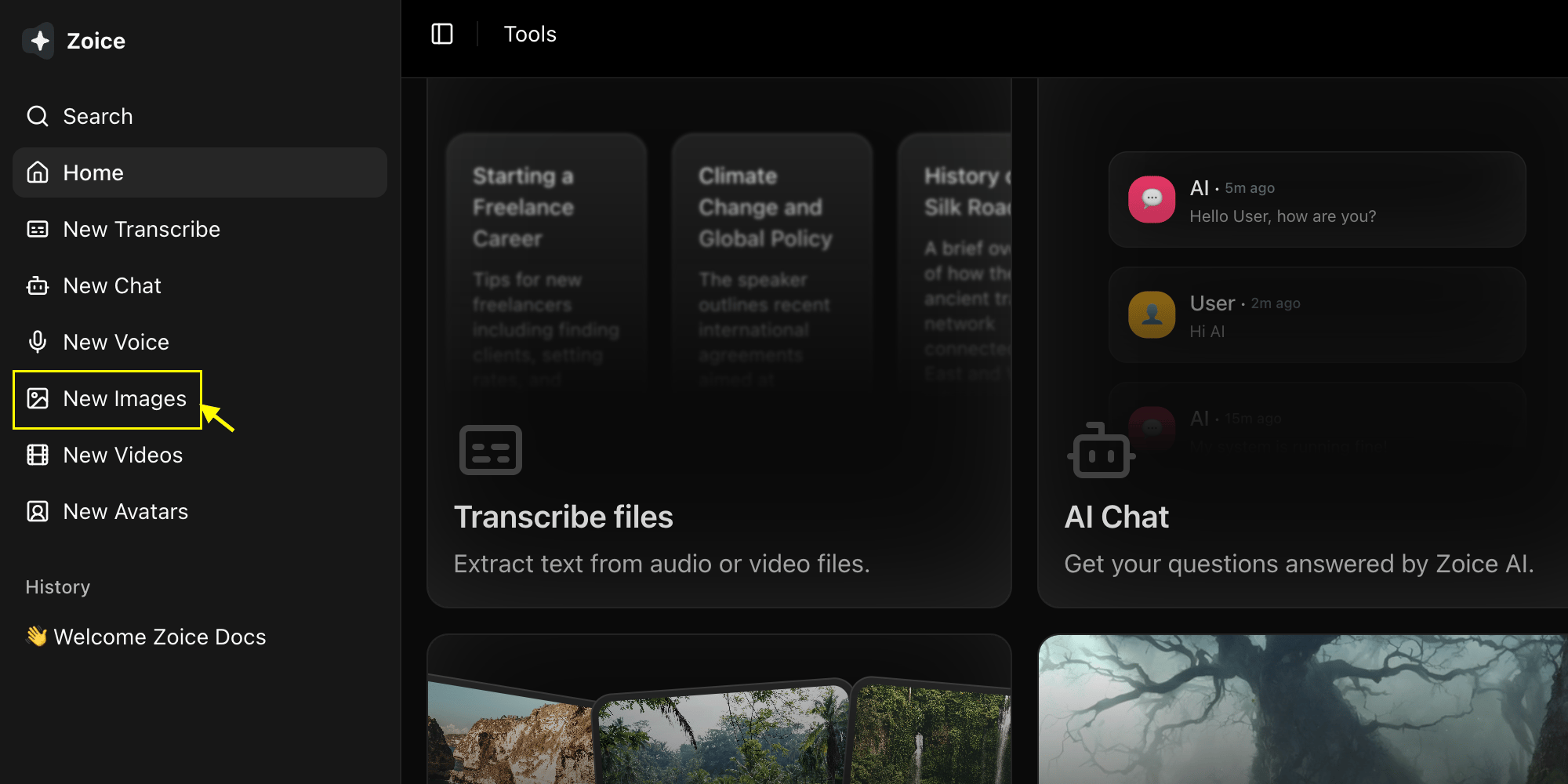
2
Select Imagen 4 Ultra Model
Choose “Imagen 4 Ultra” from the model selector.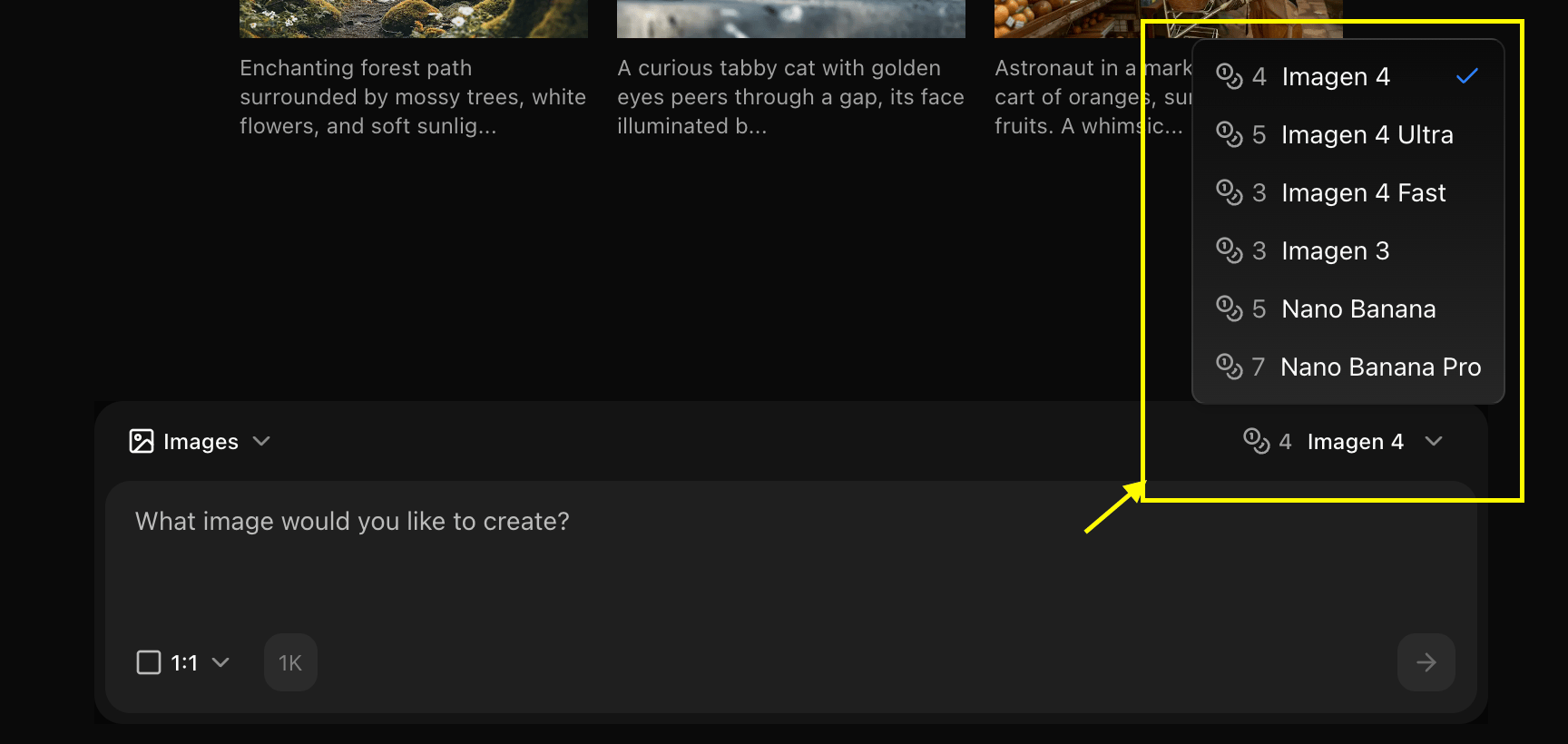
3
Configure Settings for Image
Set resolution, quality, for the image you want to generate.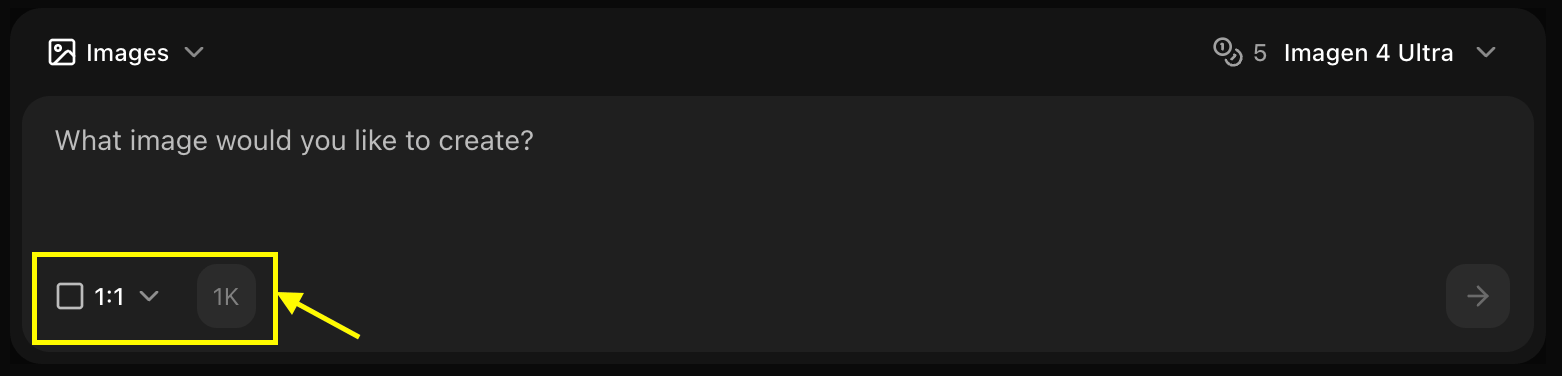
4
Write Your Prompt
Enter a detailed description of the image you want to create in the prompt box.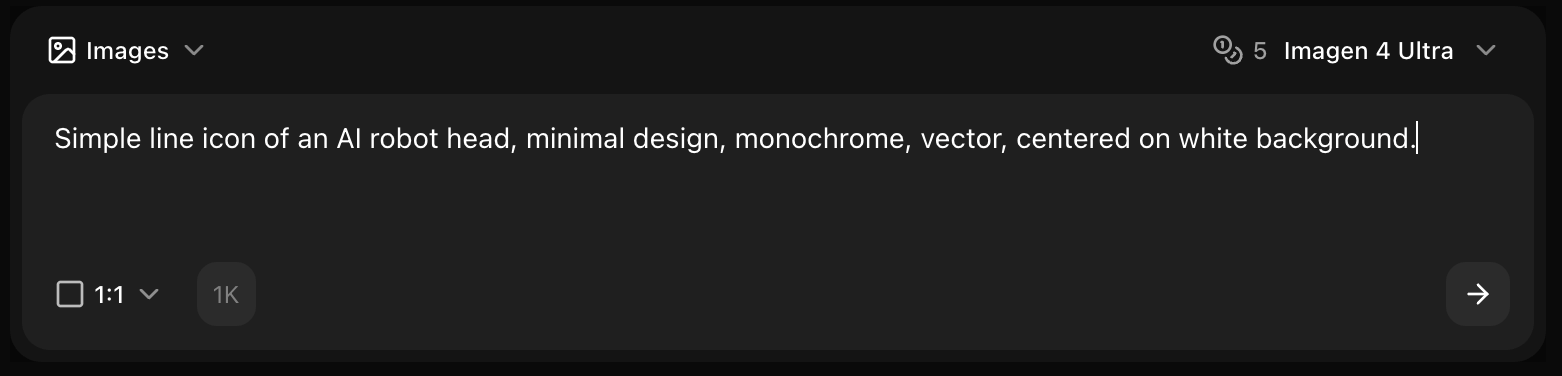
5
Click on Generate
Click generate and wait few seconds for your image to be generated.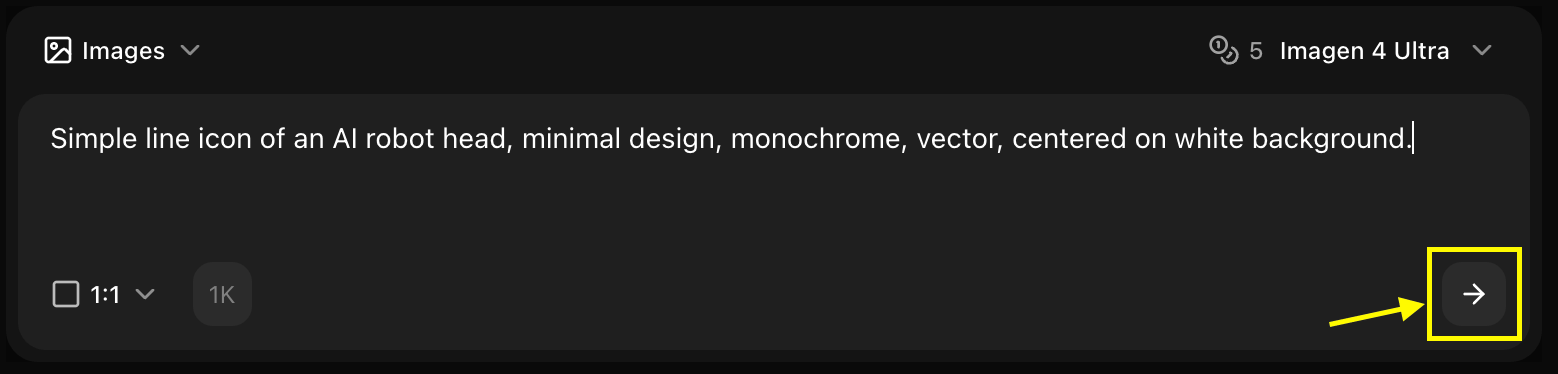
6
Download
Save your generated image
Best Practices
- Use highly detailed prompts
- Specify “8K”, “ultra detailed”, “professional”
- Include lighting and composition details
- Perfect for print and professional use
Next Steps
Model Overview
Learn about Imagen 4 Ultra
Prompt Guide
Master prompt engineering
Image Generator Tool
Back to the main Image Generator guide