

Quick Start
Nano Banana is a fast and reliable AI image generation model for quick, high-quality creations. This guide shows you how to leverage its advanced capabilities for print-ready, ultra-detailed images.1
Navigate to Image Generator by Clicking on New Image
Go to the Image Generator tool in your Zoice dashboard by clicking on New Image.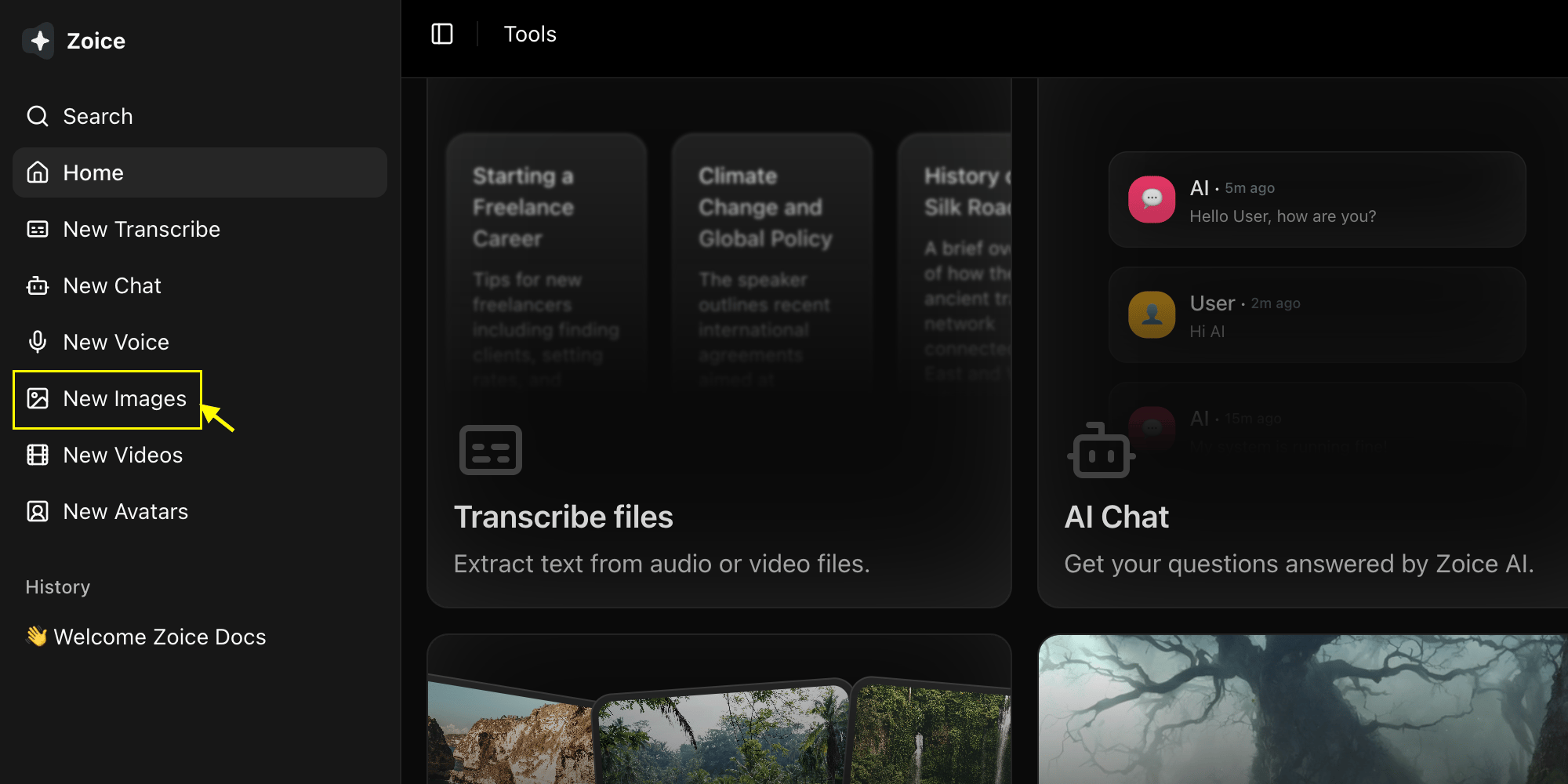
2
Select Nano Banana Model
Choose “Nano Banana” from the model selector.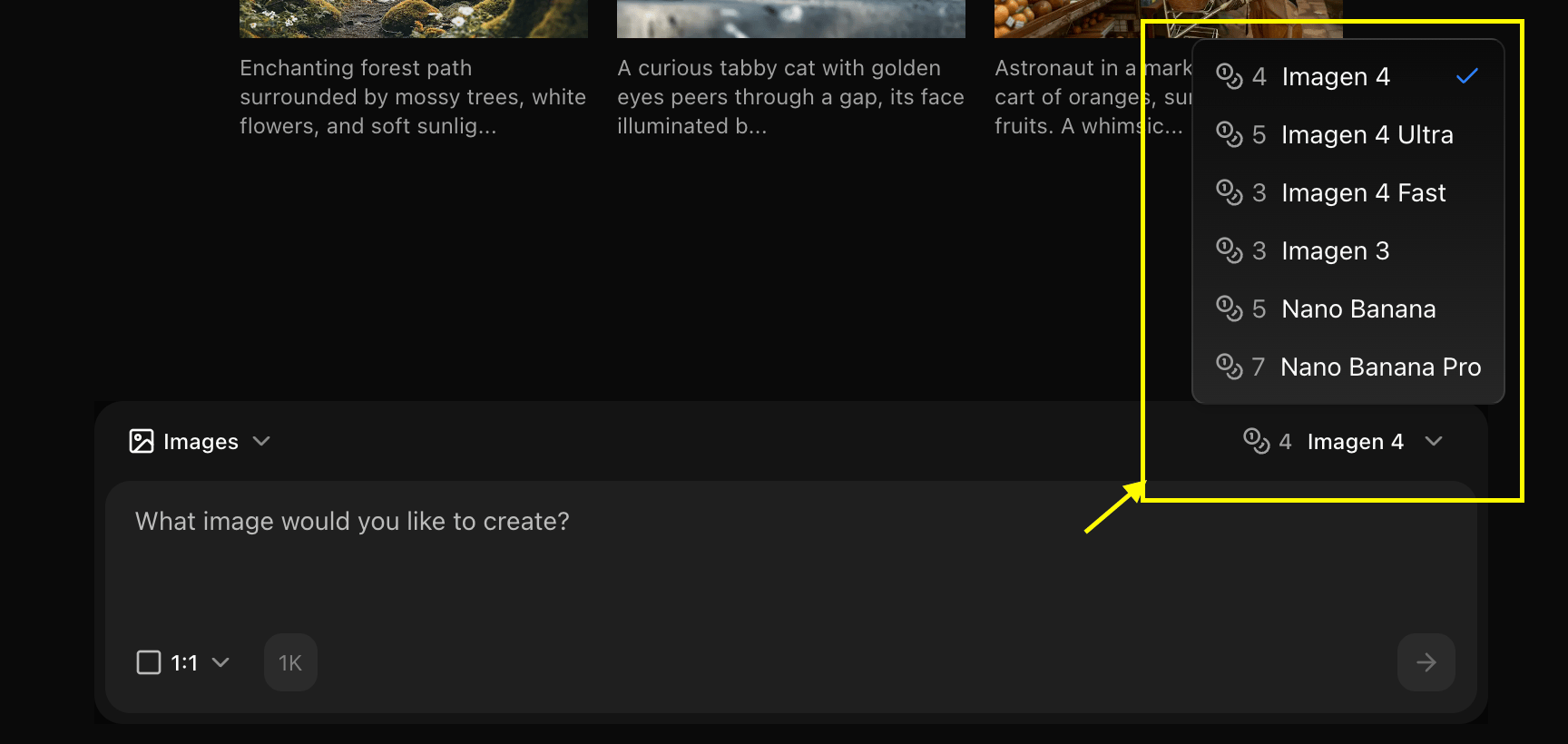
3
Configure Settings for Image
Set resolution for the image you want to generate.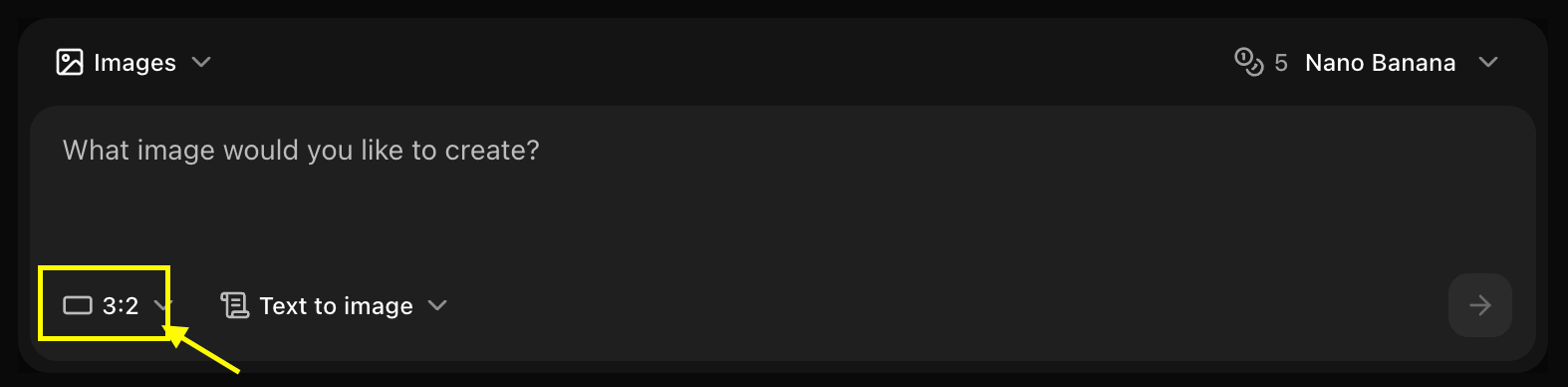
4
Write Your Prompt
Enter a description of the image you want to create in the prompt box.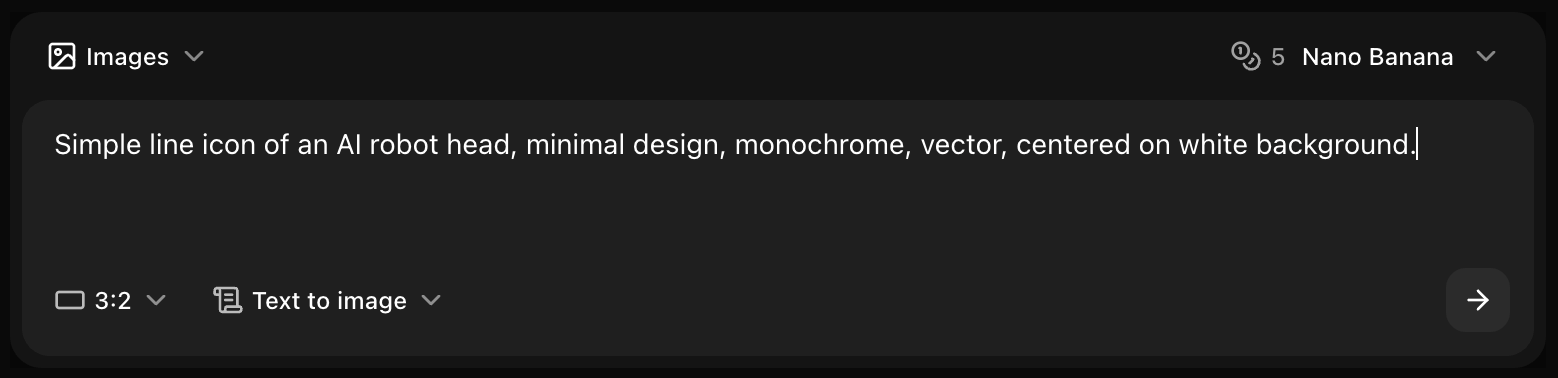
5
Click on Generate
Click generate and wait few seconds for your image to be generated.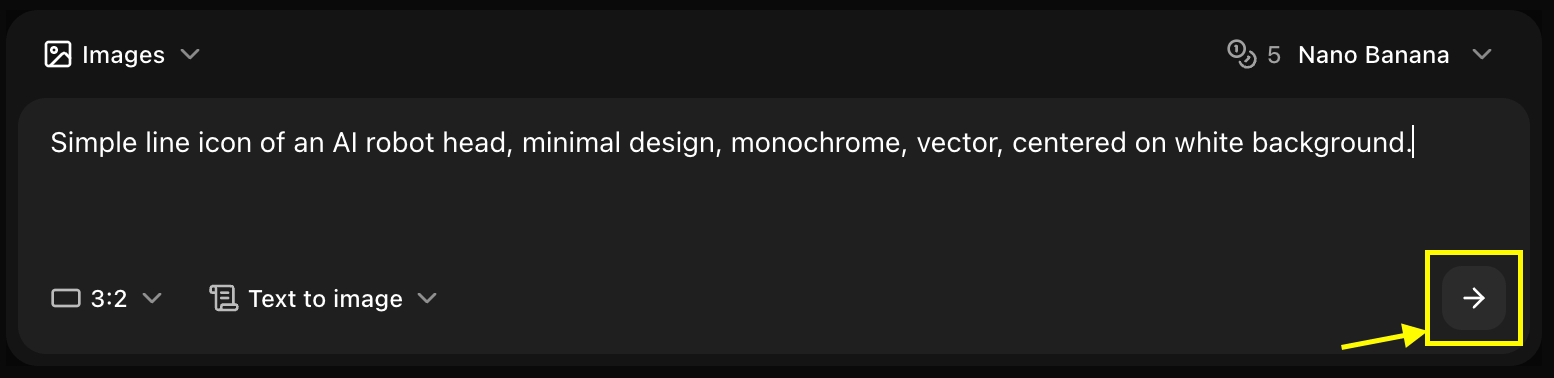
6
Download
Save your generated image
Prompt Writing for Nano Banana
Optimal Prompt Structure
Nano Banana works best with clear, structured prompts:Example Prompts
Model-Specific Tips
Leverage Speed
- Generate multiple variations quickly
- Test different prompt variations
- Iterate rapidly to find best results
- Use for A/B testing concepts
Optimize for Web
- 1024x1024 is the sweet spot
- Perfect for social media
- Fast loading times
- Good quality-to-size ratio
Keep Prompts Focused
- Nano Banana excels with clear, focused prompts
- Avoid overly complex scenes
- Stick to 2-3 main elements
- Be specific about style
Parameters
Resolution Options
- 512x512: Ultra-fast, testing
- 1024x1024: Standard, recommended
- 1536x1536: High quality
- 2048x2048: Maximum quality
Aspect Ratios
- 1:1 (Square): Social media, profile images
- 16:9 (Landscape): Web headers, YouTube thumbnails
- 9:16 (Portrait): Instagram Stories, mobile
- 4:3 (Standard): Presentations, general use
Advanced Settings
- Guidance Scale: 7-12 (recommended: 9)
- Steps: 20-30 (recommended: 25)
- Seed: Random or fixed for consistency
Style Keywords
Photography Styles
Artistic Styles
Quality Enhancers
Best Practices
Start Simple
Start Simple
- Begin with basic prompts
- Add details gradually
- Test core concept first
- Refine based on results
Use Quality Keywords
Use Quality Keywords
- Always include “high quality” or “detailed”
- Add “sharp focus” for clarity
- Use “professional” for polished look
- Include resolution hints like “4K”
Specify Style Clearly
Specify Style Clearly
- Mention artistic style explicitly
- Reference photography types
- Describe lighting conditions
- Include mood descriptors
Iterate Quickly
Iterate Quickly
- Generate multiple versions
- Tweak one element at a time
- Save successful prompts
- Build a prompt library
Common Use Cases
Social Media Graphics
Blog Headers
Product Mockups
Troubleshooting
Image lacks detail
Image lacks detail
- Add “detailed” and “high quality” to prompt
- Increase resolution
- Raise guidance scale slightly
- Be more specific in description
Wrong style
Wrong style
- Make style keywords more prominent
- Put style at beginning of prompt
- Use specific style references
- Try different style keywords
Unexpected elements
Unexpected elements
- Simplify prompt
- Remove ambiguous descriptions
- Be more explicit
- Lower guidance scale
Prompt Templates
Template: Product Photo
Template: Landscape
Template: Portrait
Template: Abstract
Next Steps
Use Reference Images
Generate with image references
Model Overview
Learn more about Nano Banana
Image Generator Tool
Back to the main Image Generator guide