

Key Features
Zoice’s Voice Generator converts your text into natural, human-like speech. Perfect for voiceovers, audiobooks, podcasts, and more, our AI voice technology delivers high-quality audio by allowing you to choose from a curated selection of professional voice templates.- Text-to-Speech: Transform any text into high-quality, natural-sounding speech instantly.
- Voice Templates: Select from a diverse range of pre-defined voices across different genders, ages, and accents.
- High-Fidelity Audio: Generate clear, studio-quality audio suitable for professional projects.
- Fast Generation: Process and receive your audio files in seconds.
- Language Support: Support for a variety of languages and regional dialects.
Use Cases
Video Voiceovers
Create professional narration for your YouTube videos, social media, and ads.
E-Learning
Generate engaging narration for educational content and training materials.
Podcasts & Audio
Convert scripts into audio for podcasts or broadcast-style content.
Accessibility
Make written content more accessible by providing high-quality audio versions.
How It Works
- Input Text: Enter the specific text or script you want to convert to speech.
- Choose Template: Browse and select a voice from our library of sample voice templates.
- Generate: Click the generate button to create your high-quality audio file.
- Download: Save your generated audio file directly to your device.
Getting Started
1
Navigate to New Voice
Navigate to the new voice generator page.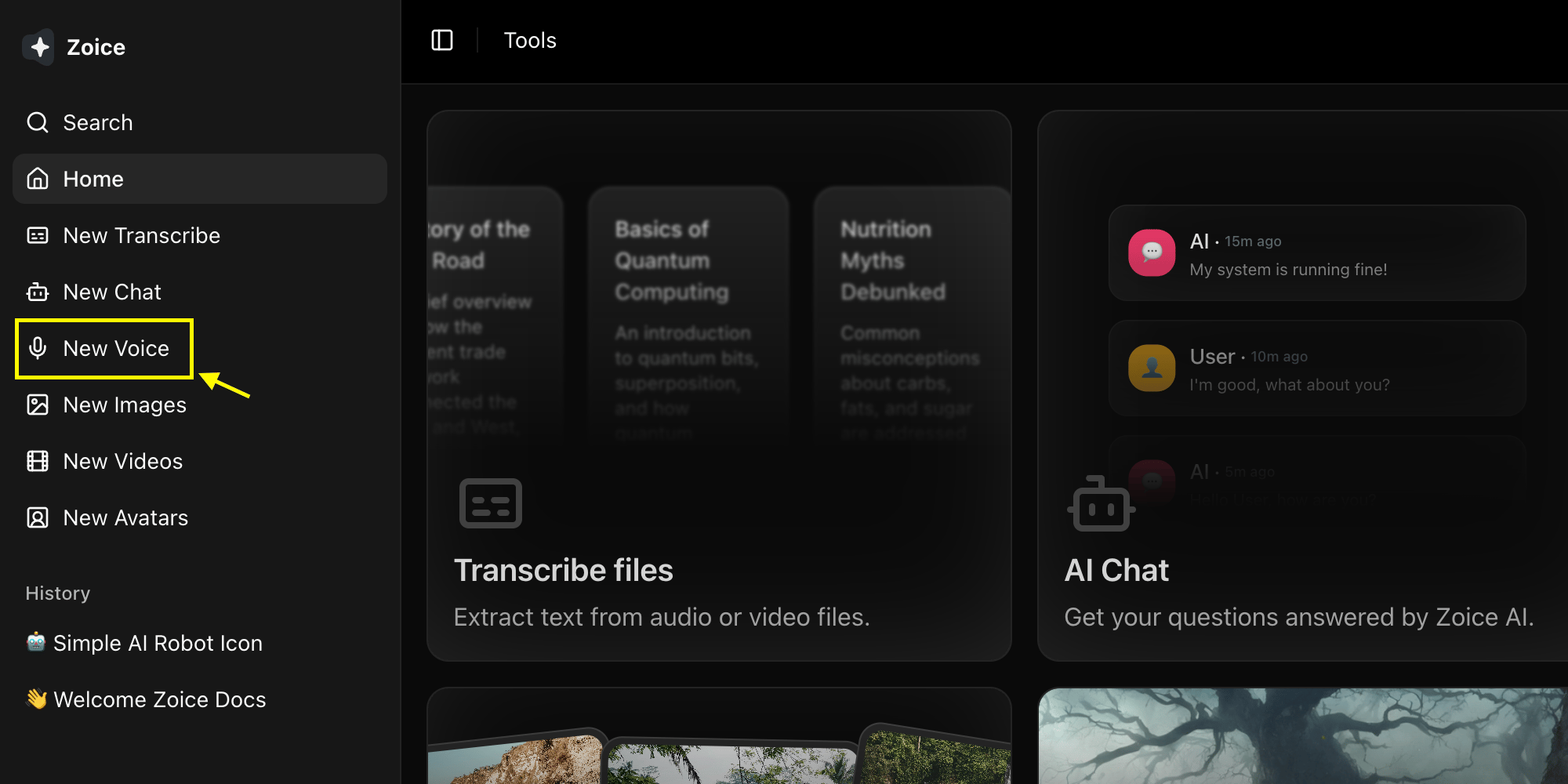
2
Select Model
Choose the AI model you want to use for your voice generation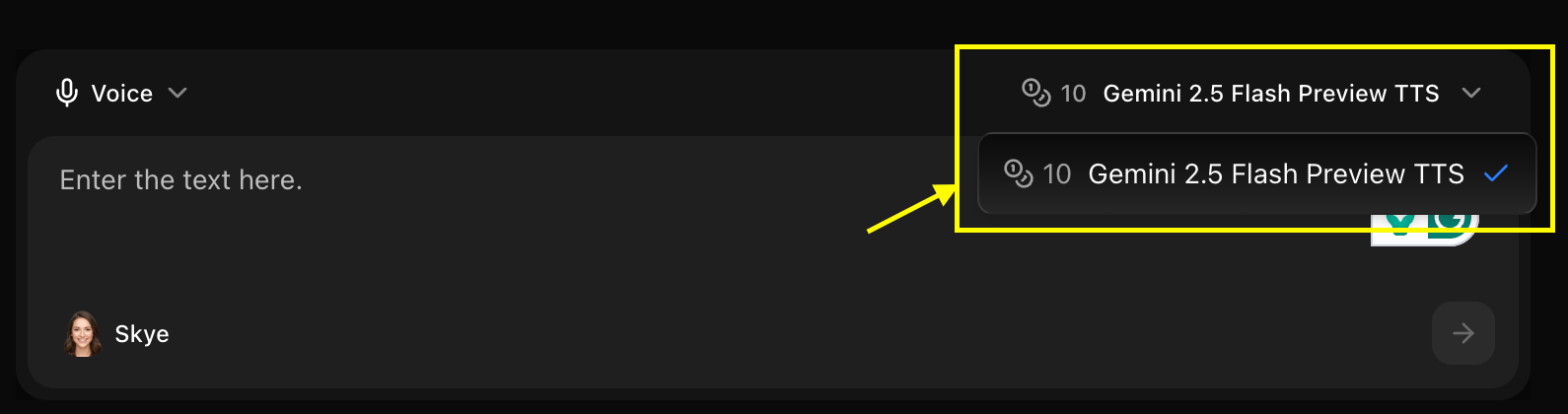
3
Write Your Text
Enter the text or script you want to hear in the voice-over section.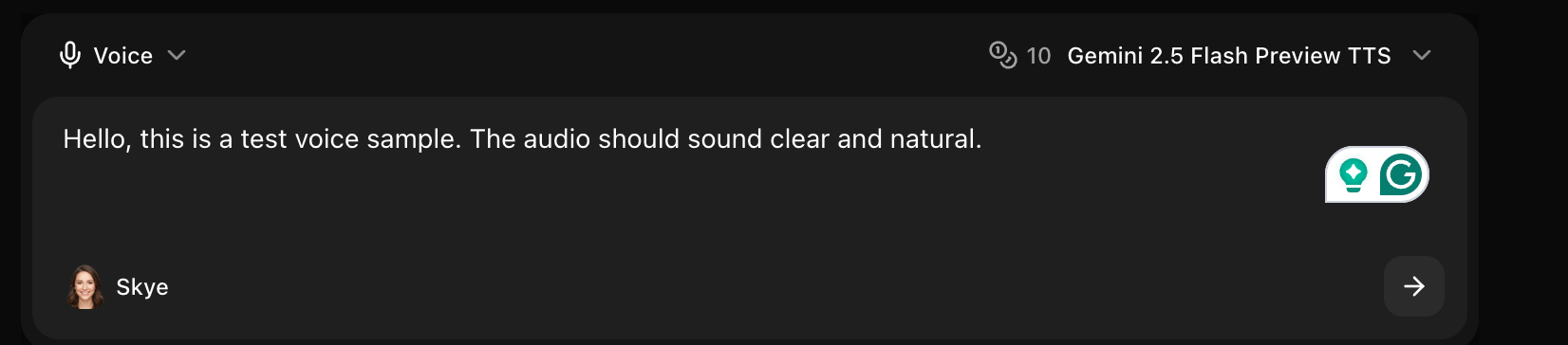
4
Select Voice Over Template
Browse the sample templates and choose the voice that best fits your content’s tone and style.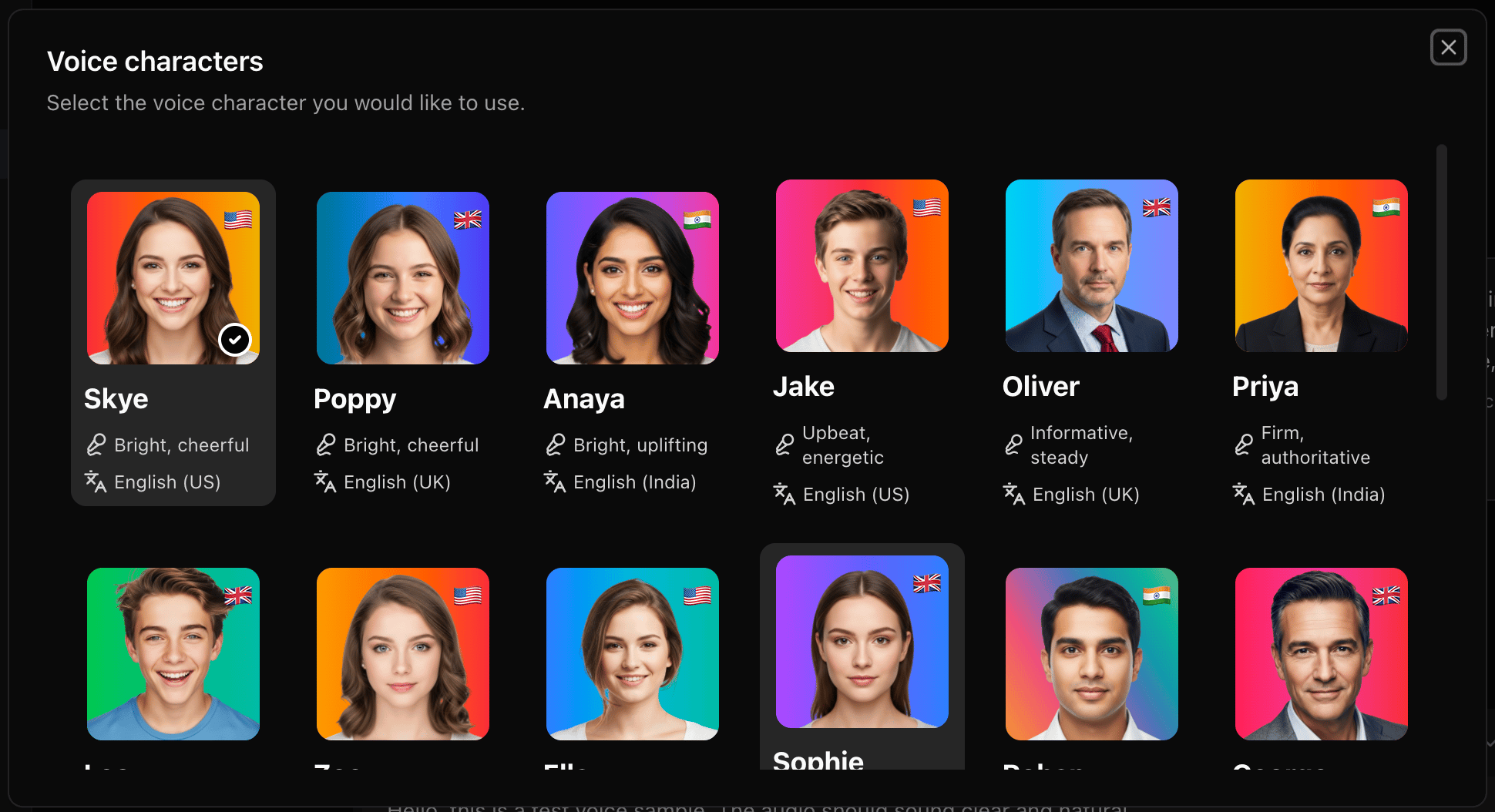
5
Click Generate
Click the Generate button to process your text into the selected voice.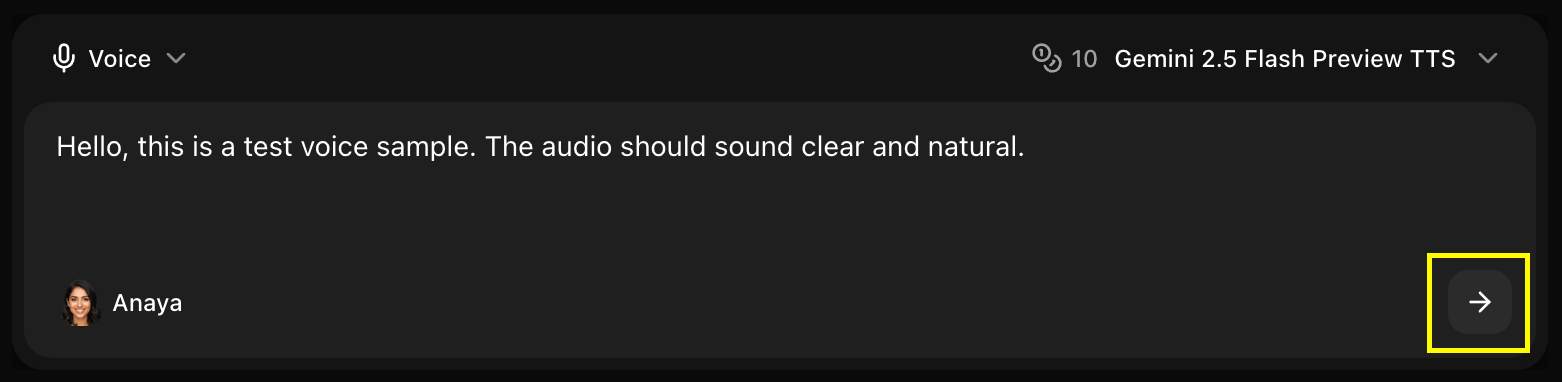
6
Download Your Audio
Once processing is complete, download and save your professional AI voiceover.
Next Steps
Text-to-Voice Guide
Detailed steps for creating professional narration from text.
AI Avatar Generator
Combine AI voices with animated characters for high-impact video.
Video to Text
Transcribe your existing videos into accurate text descriptions.
Prompt Guide
Master effective prompting for better AI voice results.