

Sign Up
Follow these steps to create your Zoice account and access all AI tools including video, image, voice, and avatar generation.Steps to Sign Up at Zoice
1
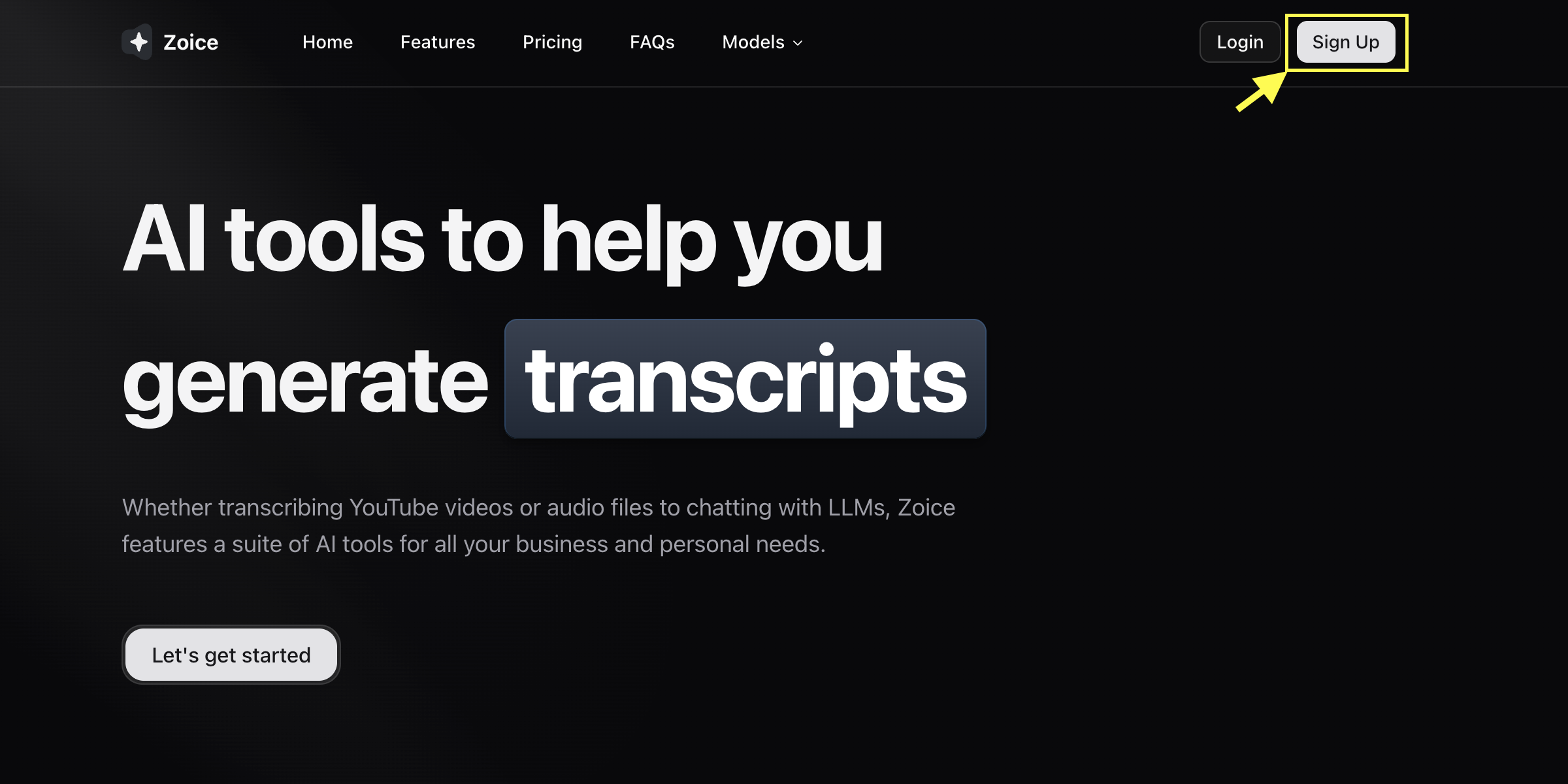
Go to Zoice.com
Open https://zoice.com in your browser and click the Sign Up button located in the top-right corner of the homepage.
2
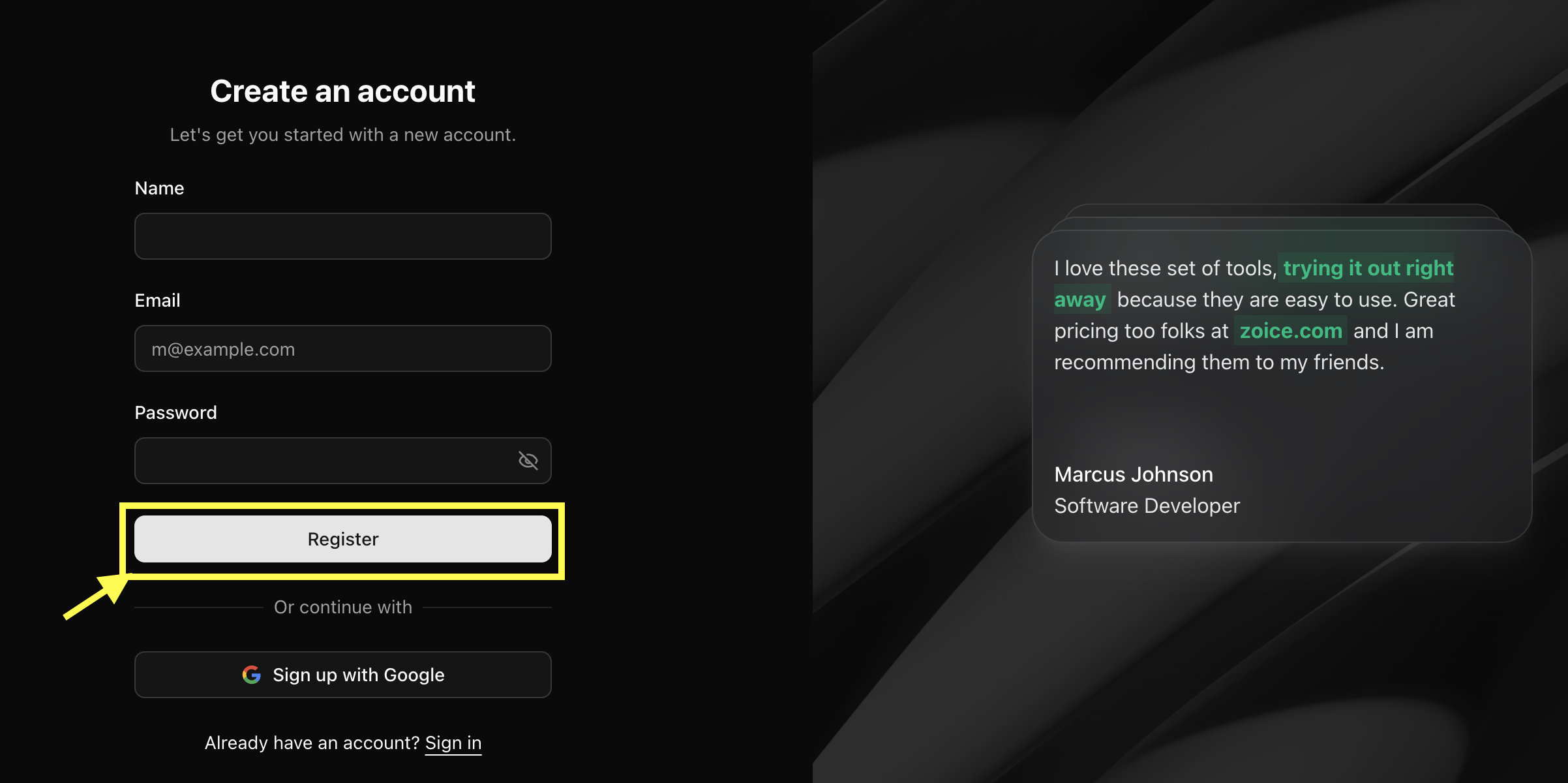
Enter Your Details
Fill in the required information, including your name, email address, and desired password, then click Register to create your account.
3
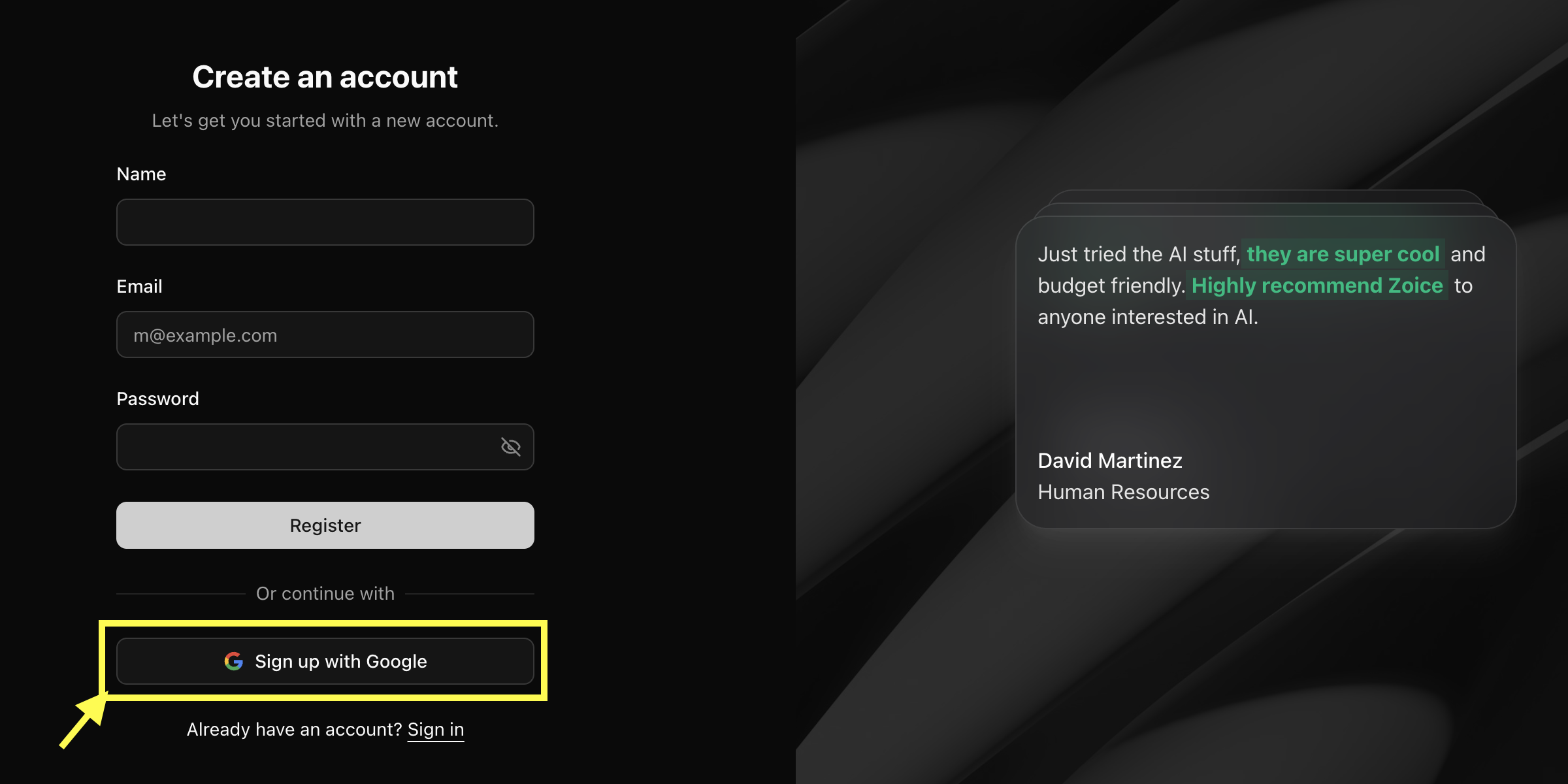
Sign Up with Google (Optional)
You can also use Sign Up with Google to create your account instantly using your Gmail account. No password is required with this method.
4
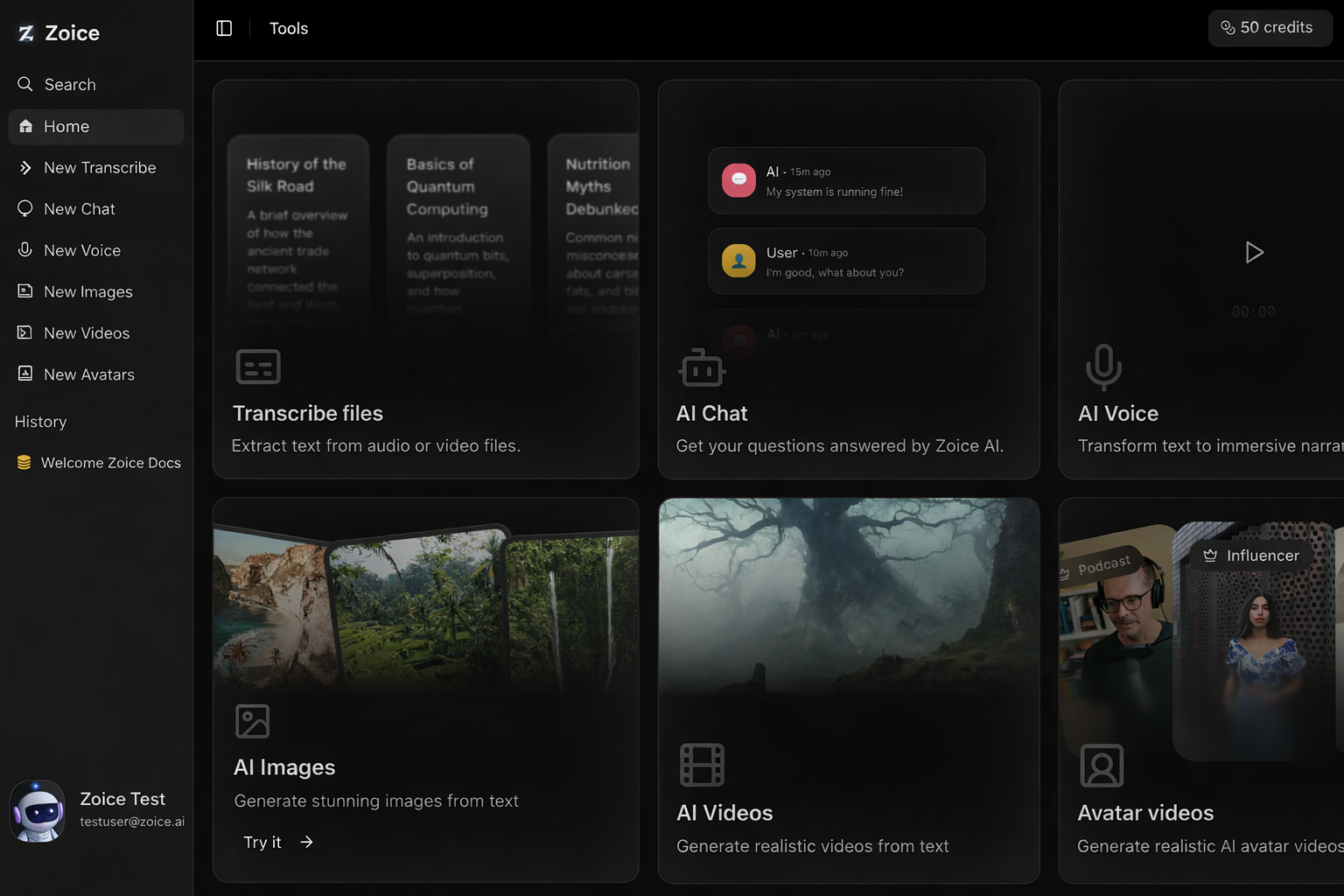
Complete Signup
After submitting the form, your account is created successfully. You will be logged in automatically and redirected to the Zoice dashboard.
Troubleshooting Registration Issues
Email already in use
If you see an error that your email is already in use, you might have already created an account. Try logging in instead, or reset your password if you’ve forgotten it.Didn’t receive verification email
- Check your spam or promotions folder.
- Ensure you entered your email address correctly.
- Wait for a few minutes; sometimes delivery can be delayed.