

Log in to Zoice
This guide explains how to sign in to your Zoice account using your email and password. Follow the steps below to access your dashboard and start creating with Zoice. If you don’t have an account yet, complete the signup process first.1
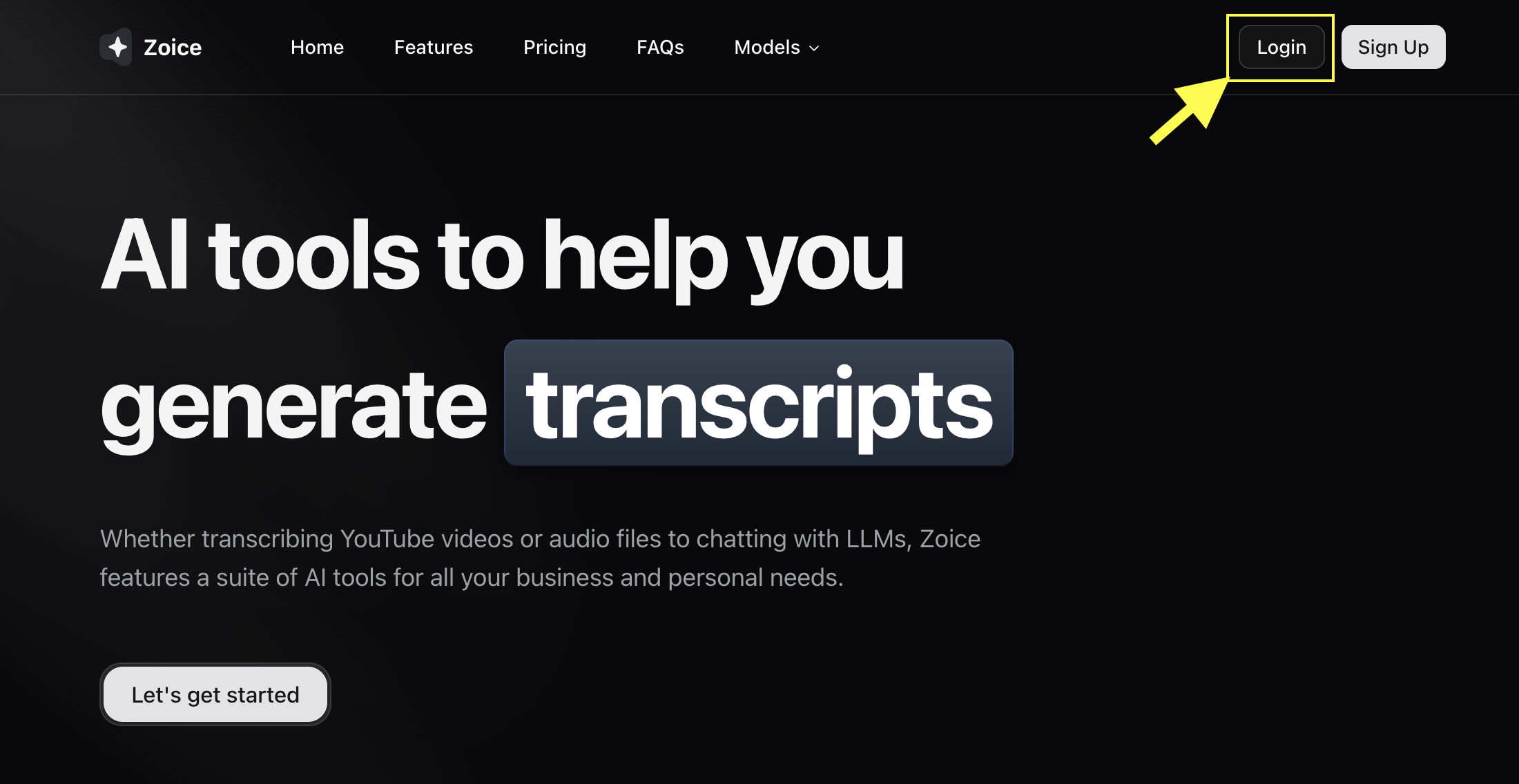
2
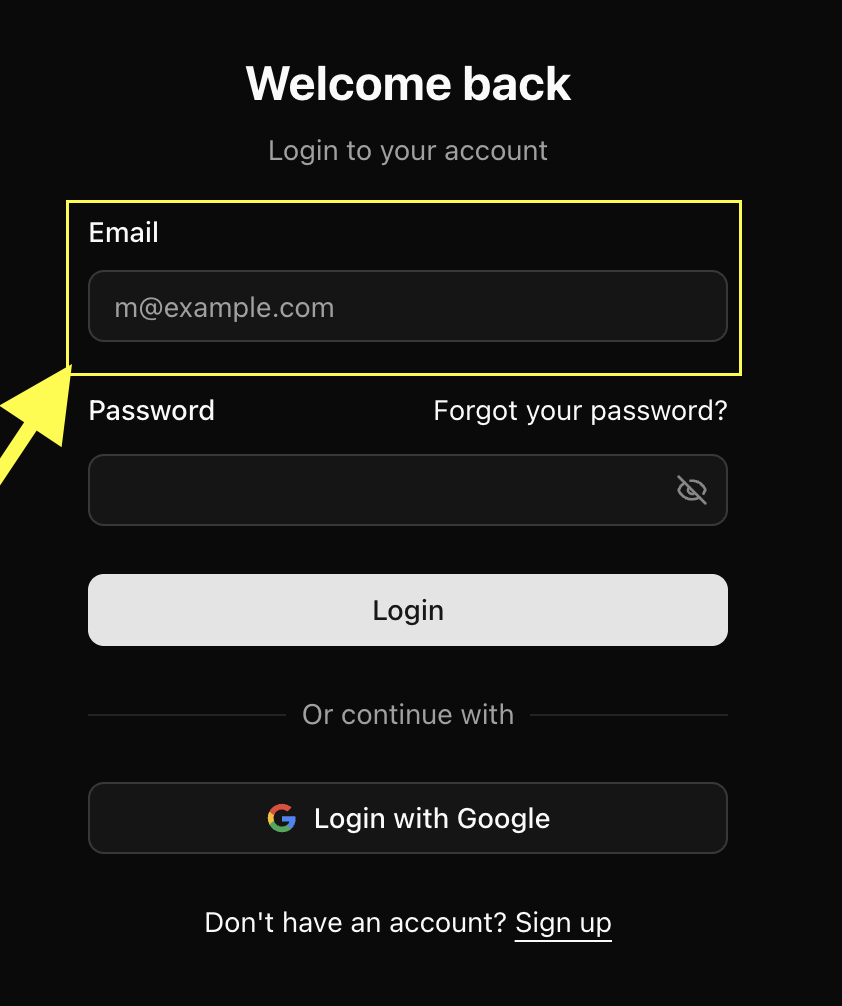
Enter your Email Address
Type the email you used to create your Zoice account.
3
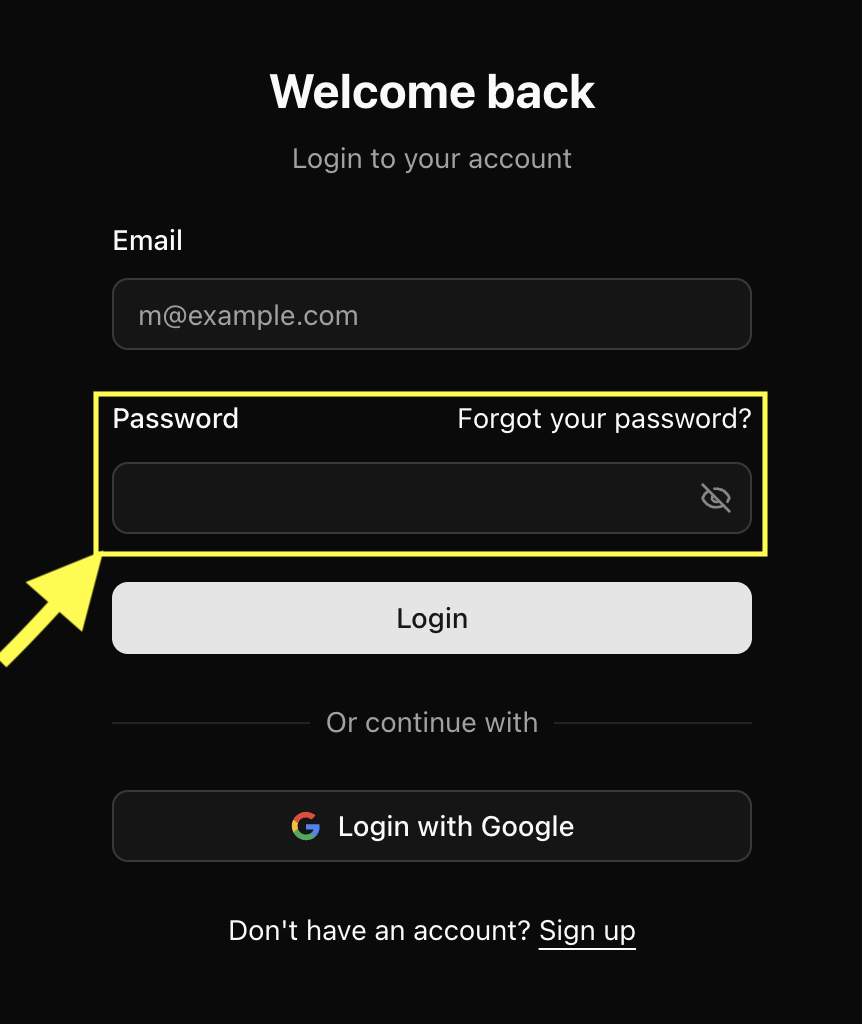
Enter your Password
Enter your password in the password field.
4
Click “Continue”
Click the Continue button to sign in. If your credentials are correct, you’ll be redirected to your Zoice dashboard.
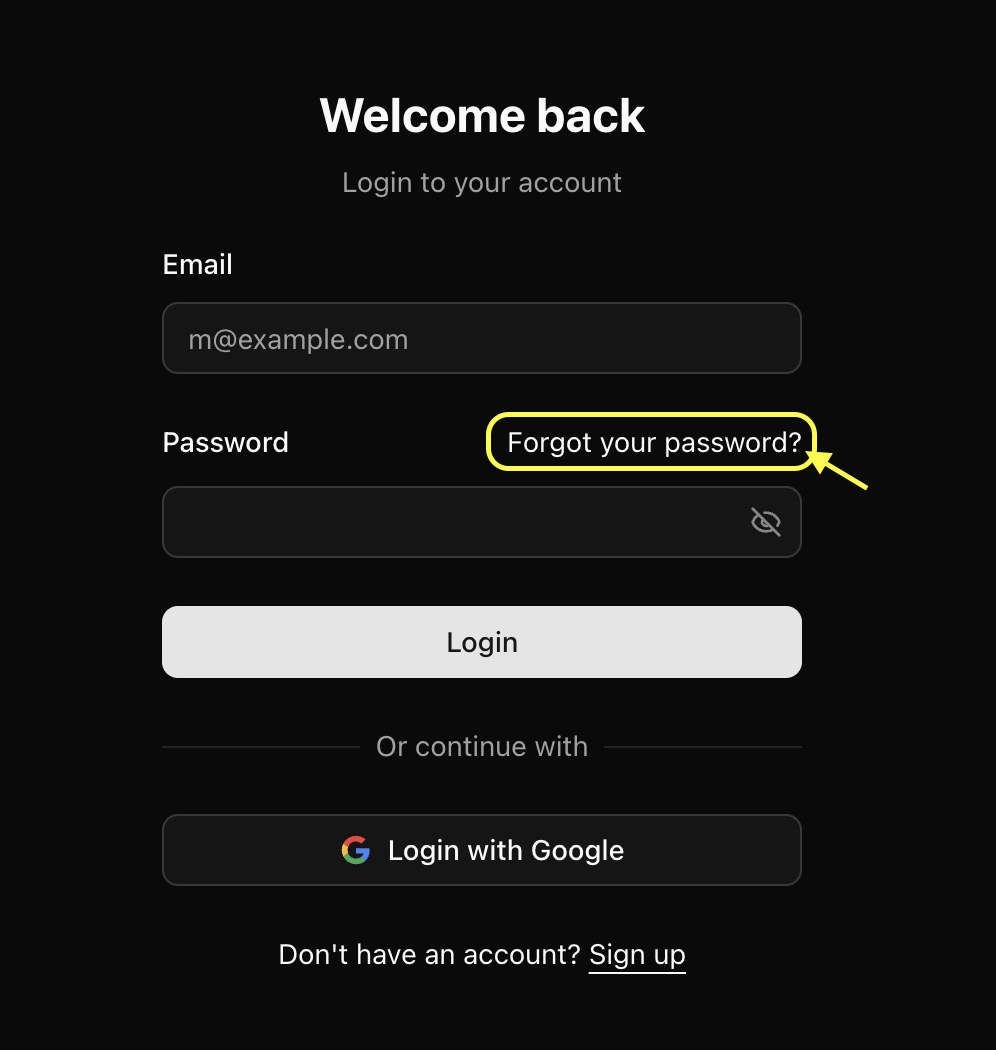
Forgot your password?
If you can’t remember your password:- Click Forgot password? on the login page
- Enter your email
- Check your inbox for a reset link
- Create a new password
Troubleshooting Login Issues
Invalid email or password
Double-check the spelling of your email and try resetting your password.Didn’t receive reset email
- Check your spam folder
- Ensure you entered the correct email
- Wait 1–2 minutes; email delivery may be delayed