

Getting Started
Stock avatars are professionally designed AI characters available in Zoice’s library. They come in various ages, genders, ethnicities, and styles, perfect for creating professional video content without using your own image or creating custom avatars.1
Navigate to New Avatar
Navigate to the new avatar page in your Zoice dashboard.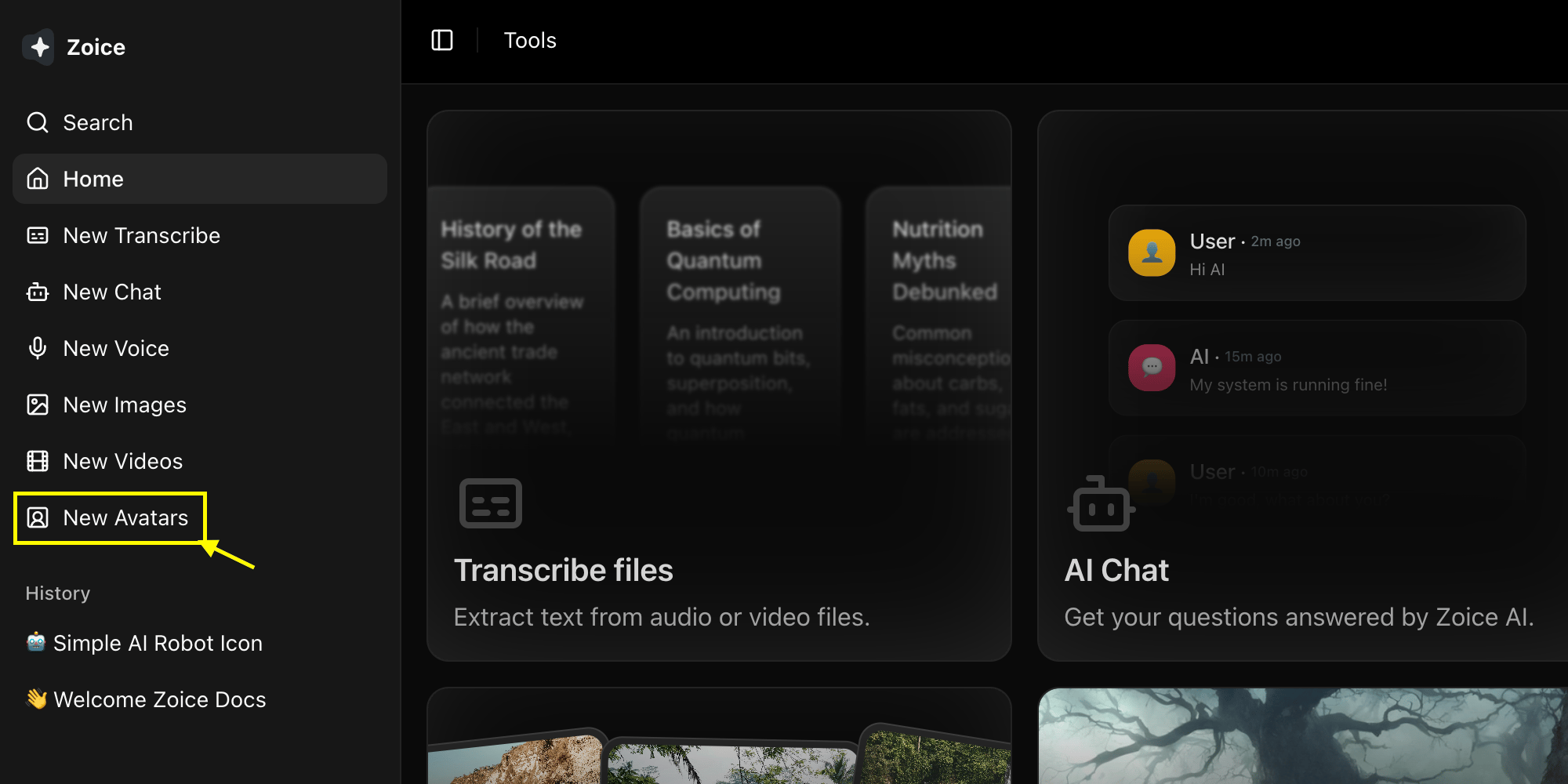
2
Select Avatar Template from Stock Library
Browse the stock library and select the professional AI avatar template you want to use for your video.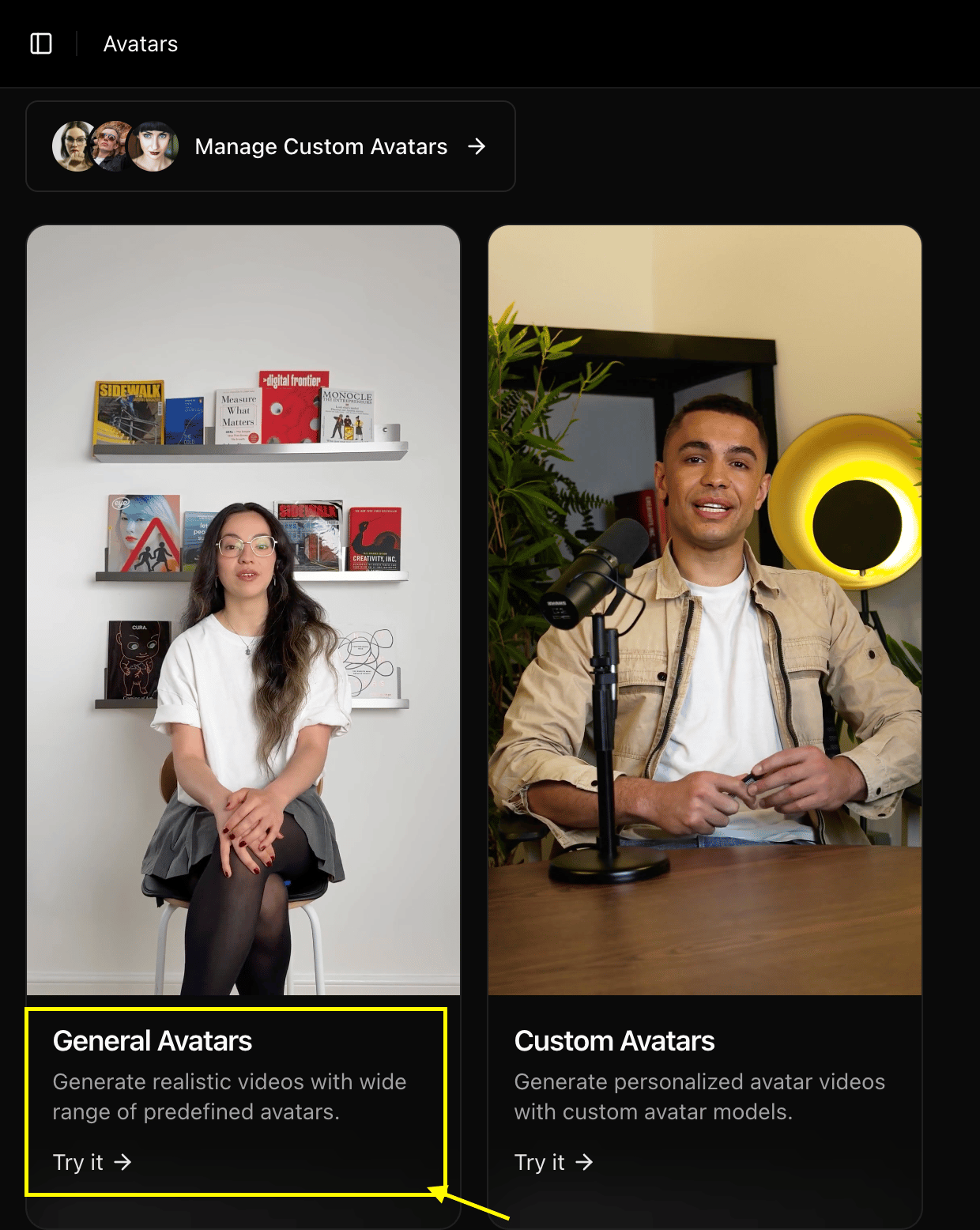
3
Add Your Script
Enter the text or script you want your avatar to speak in the text area.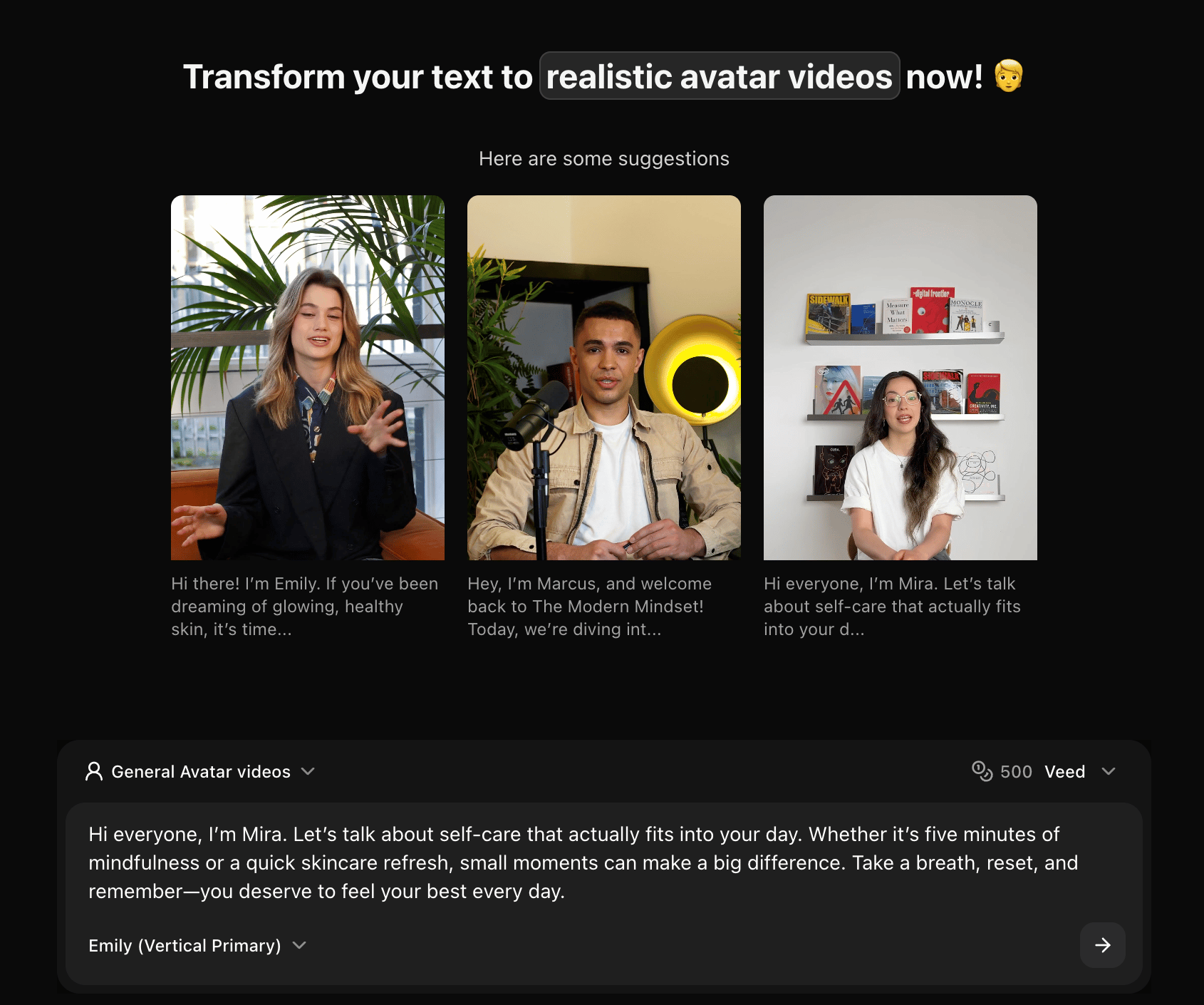
4
Select the Stock Avatar and AI Model
Choose the perfect voice and AI model to bring your avatar to life.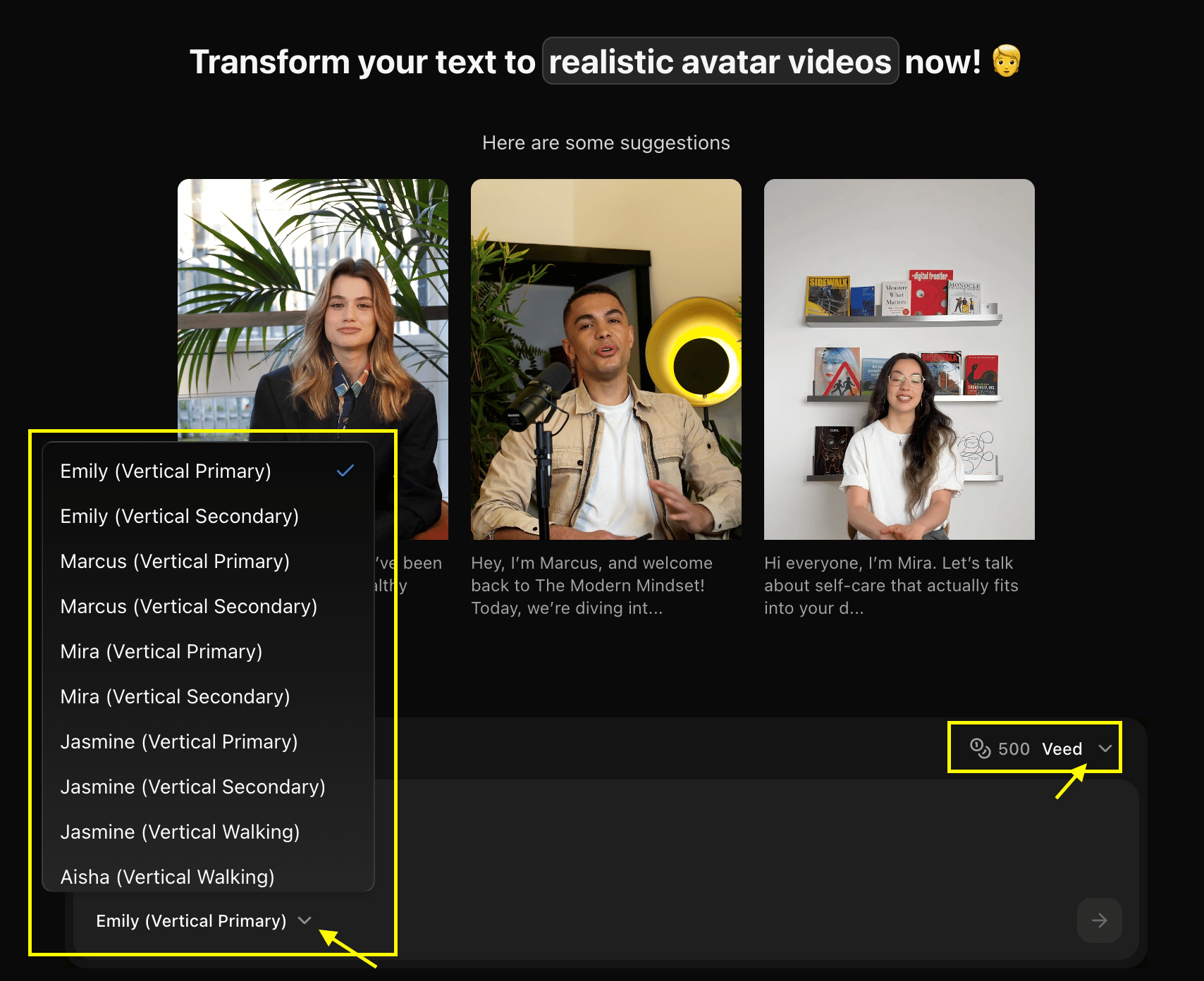
5
Click Generate
Click the Generate button to create your animated avatar video.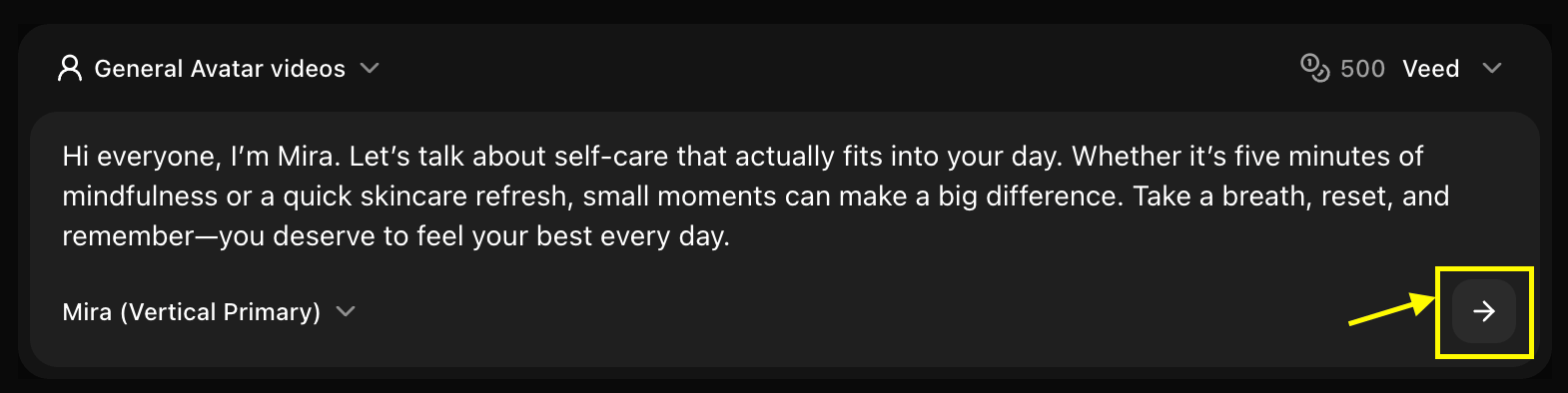
Selecting the Perfect Avatar
Choosing the right stock avatar is key to making your video effective. Consider these factors when browsing the library:- Role & Persona: Match the avatar’s appearance to the role (e.g., professional, casual, creative).
- Tone & Mood: Ensure the avatar’s style aligns with the tone of your message.
- Audience Connection: Choose a character that your target audience can relate to.
- Consistency: Consider using the same avatar for a series of videos to build recognition.
Professional Use Cases
Stock avatars are ideal for a variety of professional applications:Corporate Training
Deliver consistent training modules and internal communications.
Product Explainers
Create clear, engaging walkthroughs for your products or services.
Sales Presentations
Enhance your pitch decks with professional virtual presenters.
Multi-lingual Content
Easily localize your message by pairing templates with different voices.
Customization Options
Avatar Settings
- Animation Style: Choose from realistic, expressive, or subtle movements
- Background: Select or upload custom backgrounds
- Clothing: Adjust avatar clothing and appearance
- Voice: Add voice narration to your avatar
Video Settings
- Resolution: 720p or 1080p output
- Duration: Based on script length (up to 2 minutes)
- Format: MP4 video output
Best Practices
Character Selection
Character Selection
- Match accessibility and representation goals
- Test different avatars for specific brand tones
- Use the same character for series continuity
Script Pacing
Script Pacing
- Use punctuation to control natural pauses
- Keep sentences concise for better lip-sync clarity
- Preview scenes to ensure timing matches visuals
Voice Matching
Voice Matching
- Select a voice age and tone that fits the character
- Adjust speed and pitch for the most natural result
- Ensure the audio quality matches your production level
Environment Selection
Environment Selection
- Choose a background that provides good contrast
- Match the setting to the avatar’s attire
- Use simple backgrounds for focused messaging
Licensing & Usage
- Commercial Rights: All stock avatars come with commercial usage rights for your projects.
- Global Reach: Use characters across any platform or region without additional fees.
- No Attribution: You are not required to attribute Zoice when using stock characters.
Next Steps
Text to Avatar
Create avatars from text descriptions
Voice Generator
Add custom voices to your avatars
Prompt Guide
Master generation techniques