

Quick Start
Convert spoken content in videos into written text with high accuracy.1
Navigate to New Transcribe
Navigate to the new transcribe section in your dashboard.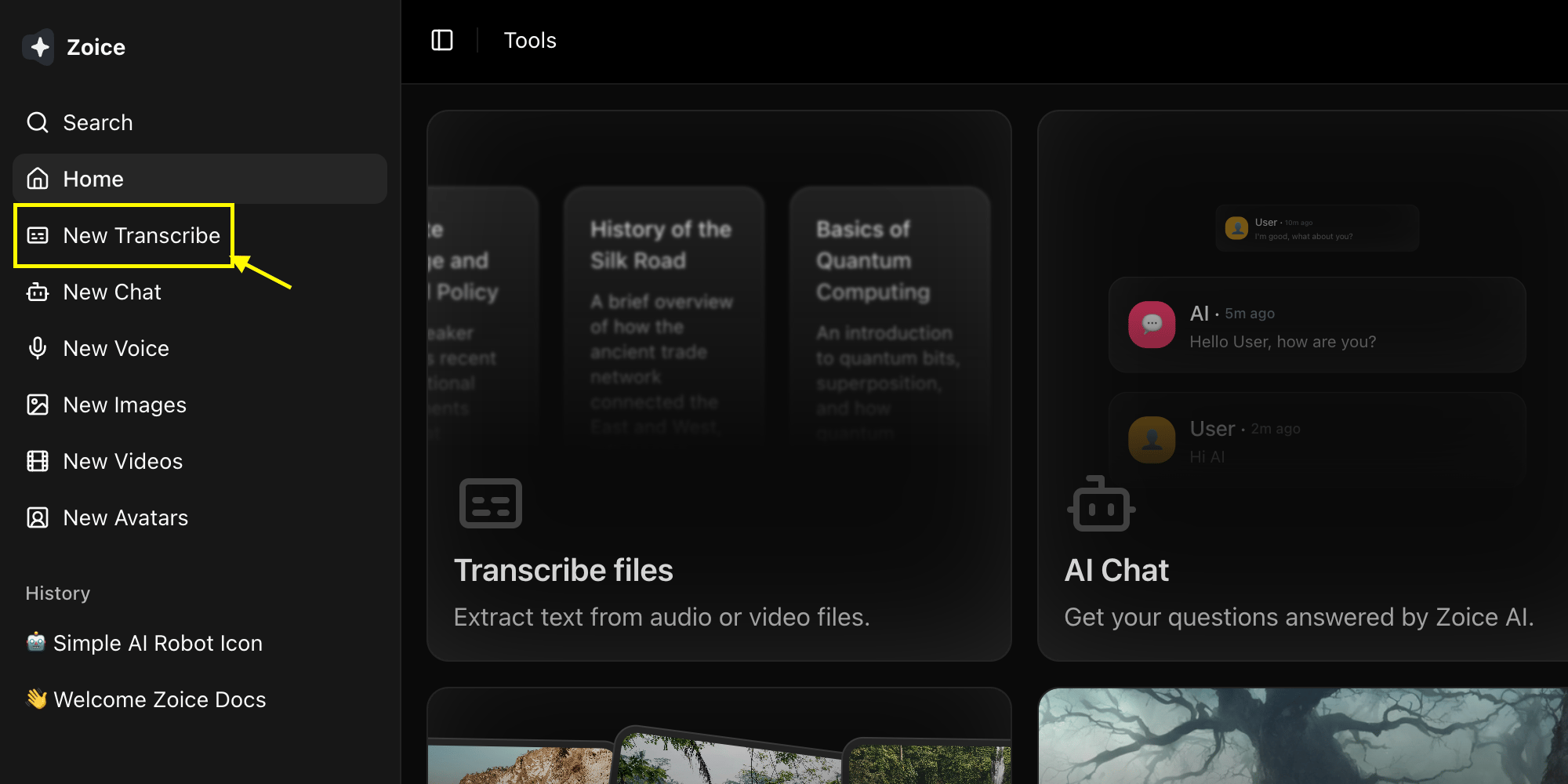
2
Select Link Type
Choose between YouTube, Instagram, or a media file from your device.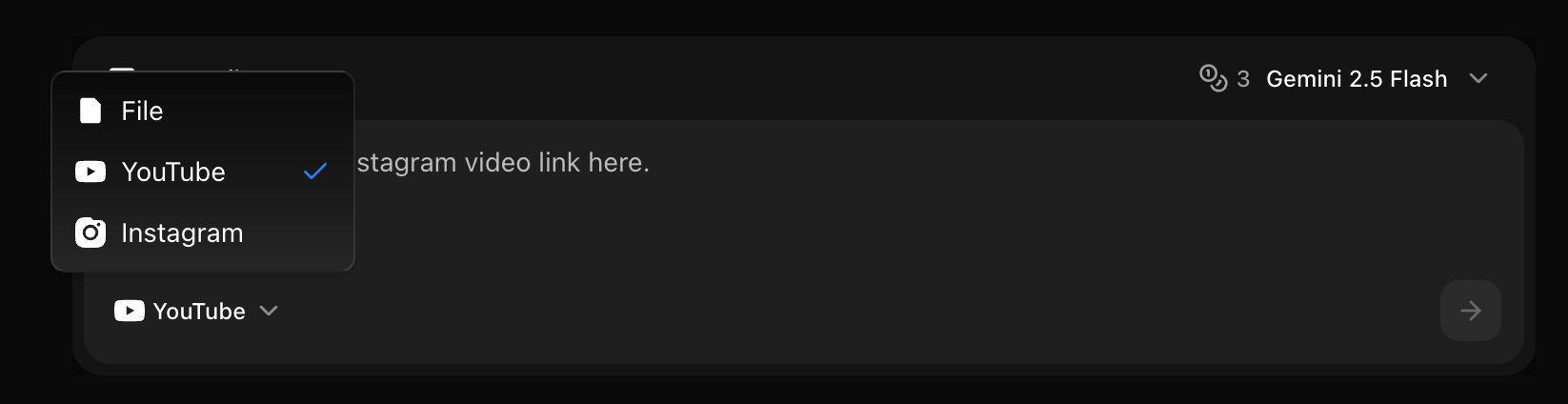
3
Select Model
Choose the AI model you want to use for transcription.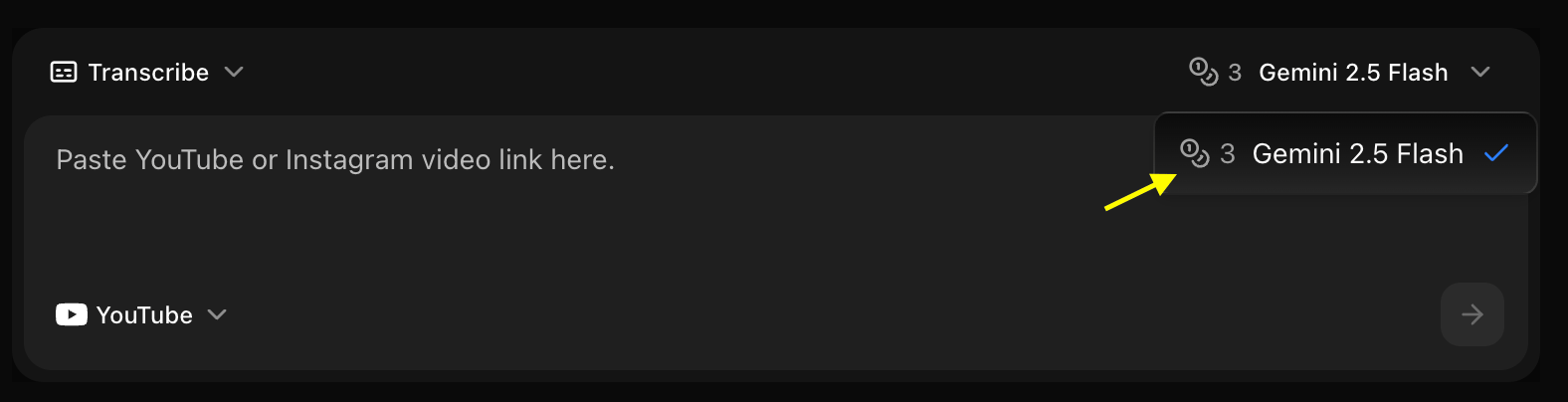
4
Paste URL
Paste the video URL in the provided box (if applicable).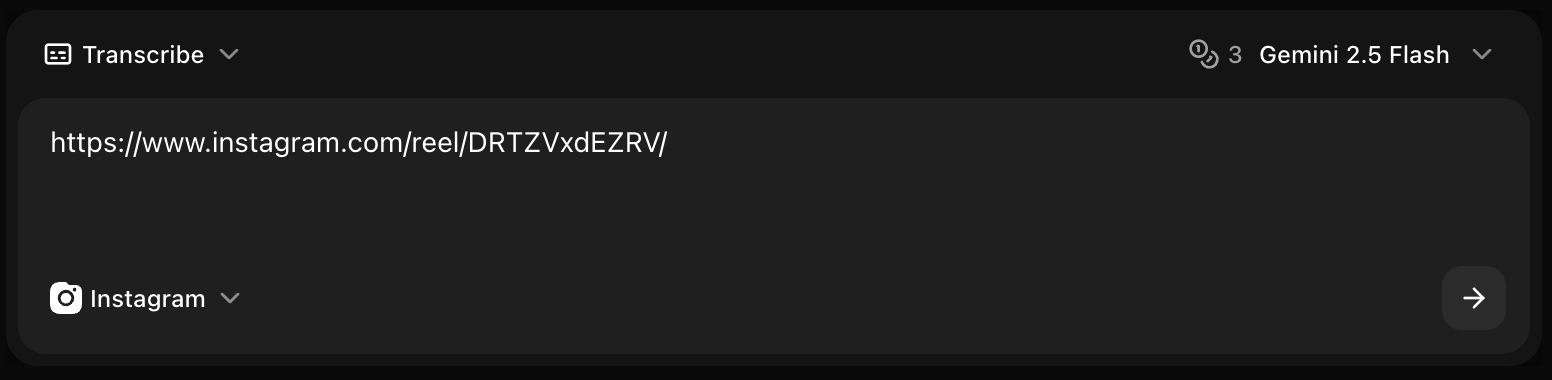
5
Click on Generate
Click the Generate button to start the process.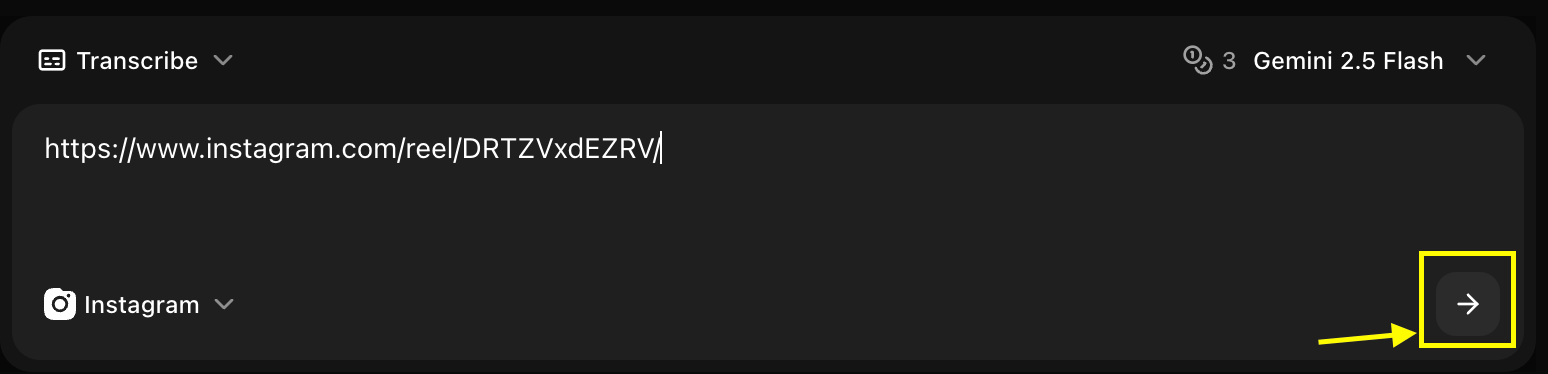
Supported Video Formats
File Formats
- MP4: Most common, recommended
- MOV: Apple QuickTime
- AVI: Windows video
- MKV: Matroska video
- WebM: Web video format
- FLV: Flash video
Specifications
- Max File Size: 2GB per file
- Max Duration: 3 hours per video
- Resolution: Any (audio quality matters most)
- Audio: Any codec, stereo or mono
Language Support
Supported Languages
Zoice transcription supports 100+ languages including:- English (US, UK, Australian, Indian)
- Spanish (Spain, Latin America)
- French, German, Italian, Portuguese
- Mandarin, Cantonese, Japanese, Korean
- Hindi, Arabic, Russian, Turkish
- And many more…
Auto-Detection
Enable automatic language detection for:- Multilingual videos
- Unknown language content
- Mixed language segments
Transcription Options
Timestamp Formats
- SRT Format
- VTT Format
- Plain Text with Timestamps
- Plain Text Only
Advanced Features
Speaker Identification
Speaker Identification
Automatically detect and label different speakers:
- Detects up to 10 speakers
- Labels speakers automatically
- Option to name speakers manually
Punctuation & Formatting
Punctuation & Formatting
Automatic punctuation and capitalization:
- Periods, commas, question marks
- Proper capitalization
- Paragraph breaks
- Number formatting
Profanity Filtering
Profanity Filtering
Options for handling profanity:
- None: Transcribe as-is
- Asterisks: Replace with f***
- Remove: Omit profane words
- Tag: Mark but don’t censor
Custom Vocabulary
Custom Vocabulary
Add custom words for better accuracy:
- Company names
- Product names
- Technical terms
- Industry jargon
- Proper nouns
Accuracy Optimization
For Best Results
Audio Quality
- Clear audio without background noise
- Good microphone quality
- Minimal echo or reverb
- Consistent volume levels
Speech Clarity
- Clear pronunciation
- Moderate speaking pace
- Minimal overlapping speech
- Reduced background conversations
Language Settings
- Select correct primary language
- Add custom vocabulary
- Specify dialect if relevant
- Use auto-detect for mixed languages
Content Type
- Specify content type (interview, lecture, etc.)
- Enable speaker detection if needed
- Set appropriate timestamp density
- Choose relevant formatting
Use Cases
Subtitle Creation
Generate subtitles for videos:Meeting Transcripts
Transcribe business meetings:Content Repurposing
Convert video to blog posts:Accessibility
Make content accessible:Export Formats
Text Formats
- TXT: Plain text
- DOCX: Microsoft Word
- PDF: Portable document
- MD: Markdown format
Subtitle Formats
- SRT: SubRip subtitles
- VTT: WebVTT subtitles
- ASS: Advanced SubStation Alpha
- SSA: SubStation Alpha
Data Formats
- JSON: Structured data with metadata
- CSV: Spreadsheet format
- XML: Extensible markup
Post-Processing
Built-in Editor
Edit transcripts before export:- Fix errors or typos
- Adjust timestamps
- Merge or split segments
- Add speaker names
- Format text
Batch Operations
- Find and replace
- Bulk timestamp adjustment
- Speaker renaming
- Format conversion
Pricing & Credits
Credit Usage
- Standard Quality: 1 credit per minute
- High Accuracy: 2 credits per minute
- Speaker ID: +0.5 credits per minute
- Rush Processing: 2x credits
Processing Time
- Standard: 1x video length
- Fast: 0.5x video length
- Rush: 0.25x video length
Common Scenarios
YouTube Videos
Create captions and transcripts
Podcasts
Generate show notes and transcripts
Interviews
Transcribe interviews with speaker ID
Lectures
Create study materials from lectures
Troubleshooting
Low accuracy
Low accuracy
- Check audio quality
- Add custom vocabulary
- Verify language selection
- Use high accuracy mode
- Reduce background noise
Missing words
Missing words
- Increase audio volume
- Add words to custom vocabulary
- Check for audio dropouts
- Try high accuracy mode
Wrong speaker labels
Wrong speaker labels
- Manually correct in editor
- Ensure distinct voices
- Check microphone setup
- Reduce voice overlap
Timestamp issues
Timestamp issues
- Adjust timestamp density
- Check video sync
- Manually adjust in editor
- Verify frame rate
Privacy & Security
- Encrypted Upload: All videos encrypted in transit
- Secure Storage: Temporary storage, auto-deleted after 24 hours
- No Training: Your content is never used for model training
- Confidential: Transcripts are private to your account
Next Steps
Text to Voice
Convert text back to professional speech
AI Avatar Generator
Create video presentations with AI characters
Voice Generator Guide
Explore the main Voice Generator features