

Quick Start
Generate videos from text prompts using Zoice’s AI video generation models.1
Navigate to New Video
Go to the Video Generator tool in your Zoice dashboard by clicking on New Video.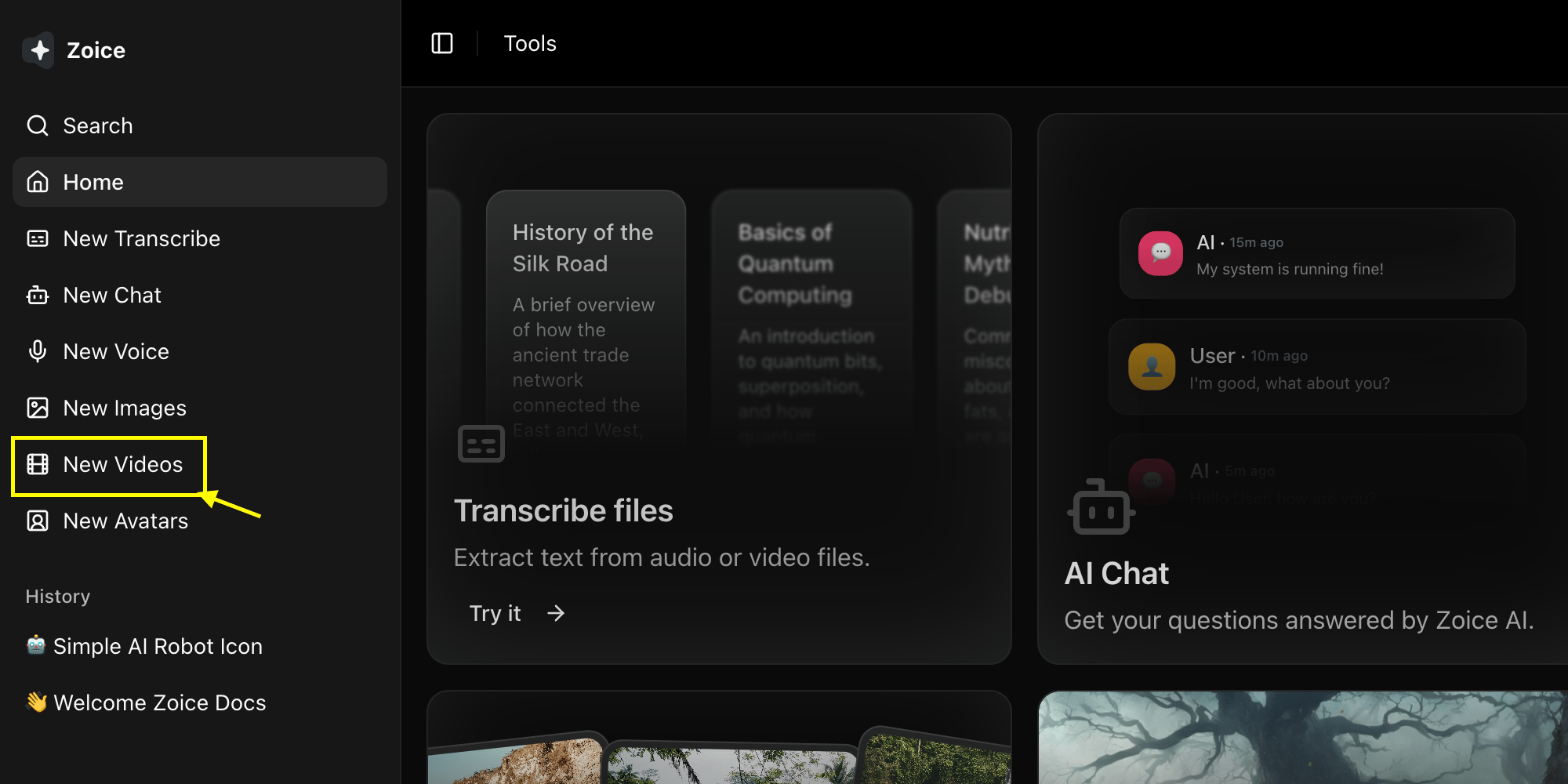
2
Select Model
Choose a Video model like Veo 3.0 or Veo 3.1 based on your project needs.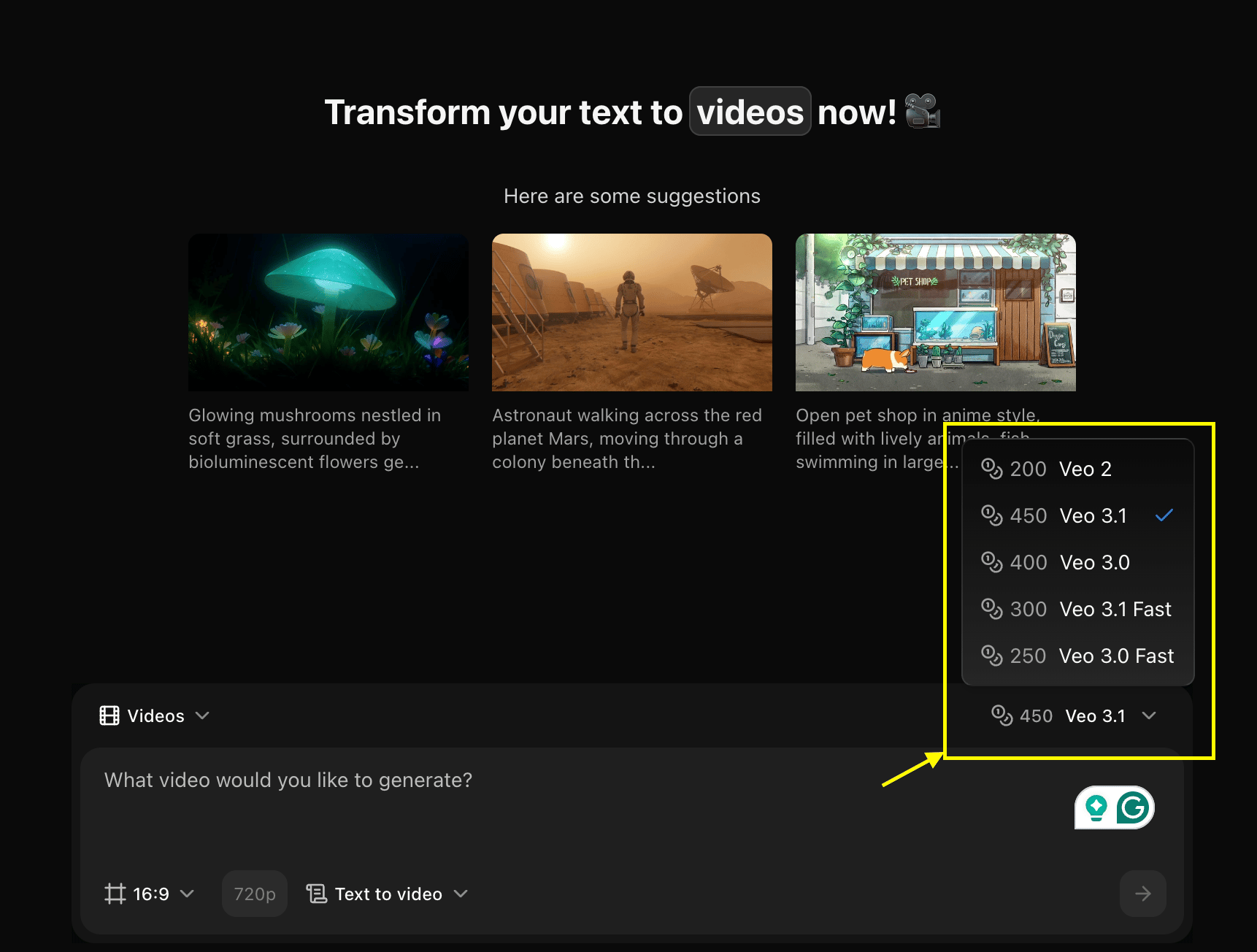
3
Configure Settings and Select Text to Video Mode
Set dimensions, resolution, and choose Text to Video mode.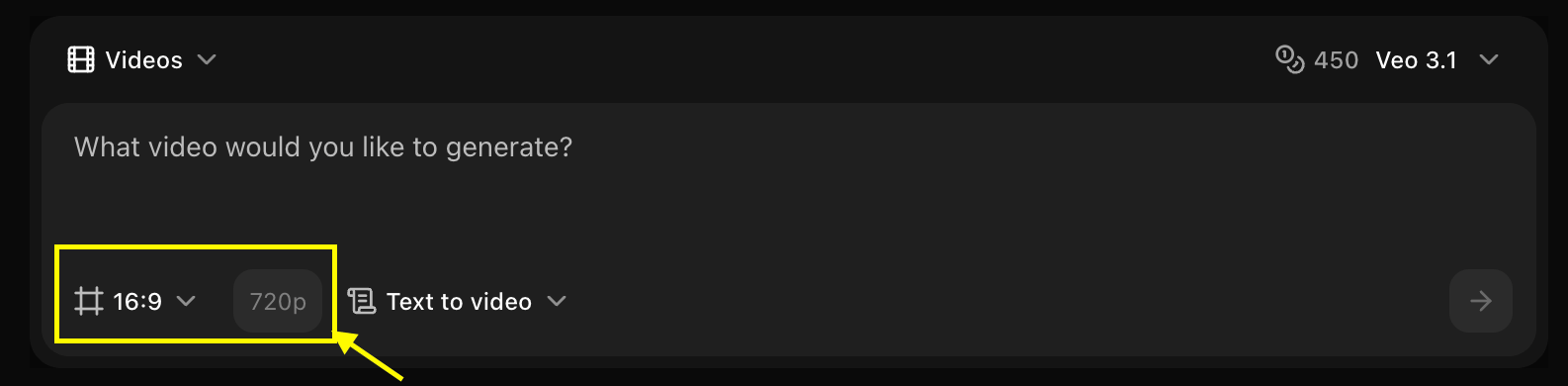
4
Write Your Text Prompt
Enter a detailed description of the scene and action you want to create in the prompt box.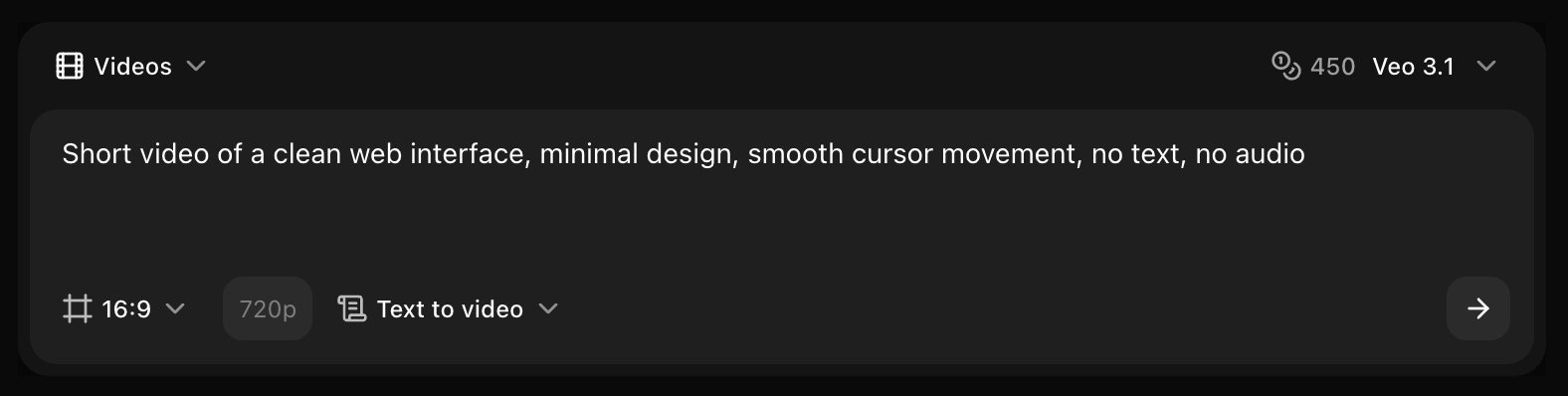
5
Click on Generate
Click on the Generate button to begin creating your video.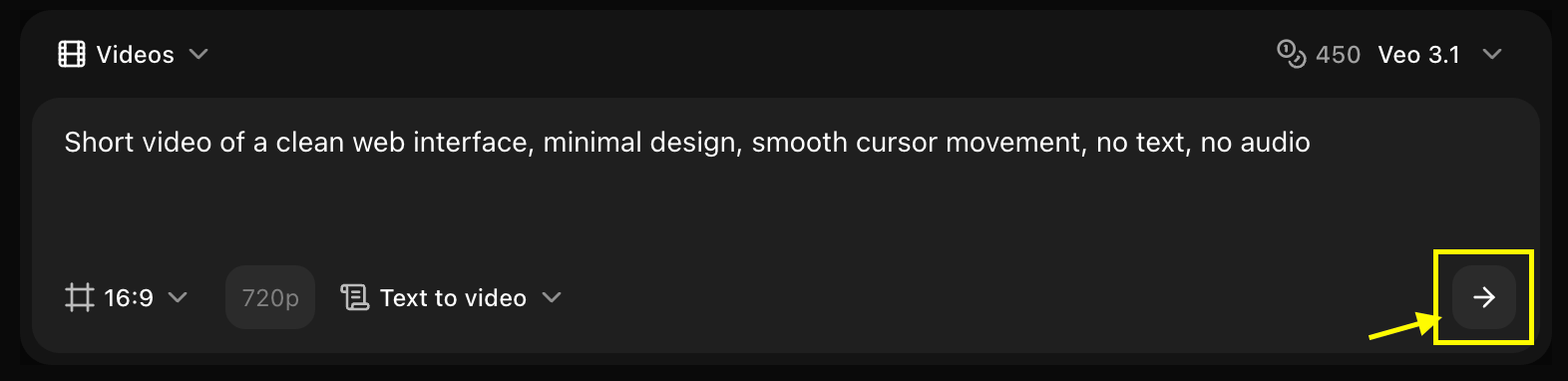
6
Download
Save your generated video.
Writing Video Prompts
Essential Elements
A good video prompt includes:- Subject/Scene: What’s happening
- Action/Movement: How things move
- Camera Work: Camera angles and movements
- Lighting/Atmosphere: Mood and lighting
- Style: Visual aesthetic
Example Prompts
Video Parameters
Duration
- Short: 2-3 seconds (quick clips)
- Medium: 4-6 seconds (standard)
- Long: 7-10 seconds (detailed scenes)
Longer videos take more time to generate and may cost more credits.
Resolution
- 720p: Fast generation, smaller file size
- 1080p: High quality, recommended for most uses
Motion Intensity
- Low: Subtle movements, static scenes
- Medium: Moderate action and camera movement
- High: Dynamic action, fast camera movements
Camera Movement Keywords
Use these keywords to control camera work:- Camera Angles
- Camera Movements
- Camera Effects
- Close-up: Tight shot of subject
- Wide shot: Full scene view
- Aerial view: Bird’s eye perspective
- Low angle: Camera looking up
- High angle: Camera looking down
- Eye level: Straight-on view
Lighting & Atmosphere
Lighting Conditions
- Golden hour: Warm, soft sunset/sunrise light
- Blue hour: Cool twilight tones
- Studio lighting: Professional, controlled
- Natural light: Realistic outdoor lighting
- Dramatic lighting: High contrast, shadows
- Soft lighting: Diffused, even illumination
Weather & Atmosphere
- Sunny: Bright, clear conditions
- Cloudy: Overcast, soft light
- Rainy: Wet surfaces, rain effects
- Foggy: Misty, atmospheric
- Stormy: Dramatic, dark clouds
- Snowy: Winter conditions
Style Keywords
Cinematic
Film-like quality, color grading, professional
Documentary
Realistic, natural, observational
Commercial
Polished, professional, product-focused
Artistic
Creative, stylized, experimental
Best Practices
Prompt Writing Tips
Prompt Writing Tips
- Start with the main subject and action
- Add camera movement for dynamic videos
- Include lighting and atmosphere details
- Specify style and mood
- Keep prompts focused and clear
Action Description
Action Description
- Use active verbs (running, flying, spinning)
- Describe speed and intensity
- Mention direction of movement
- Include interaction between elements
Scene Composition
Scene Composition
- Describe foreground and background
- Mention key visual elements
- Include environmental details
- Specify color palette if important
Common Use Cases
Marketing & Advertising
Social Media Content
Nature & Landscape
Abstract & Creative
Troubleshooting
Video doesn't match prompt
Video doesn't match prompt
- Make prompt more specific
- Add more descriptive details
- Try different model
- Simplify complex scenes
Choppy or unnatural motion
Choppy or unnatural motion
- Adjust motion intensity
- Simplify camera movements
- Use smoother action descriptions
- Try different duration
Low quality output
Low quality output
- Increase resolution to 1080p
- Use quality keywords (4K, cinematic, detailed)
- Try a higher-tier model
- Ensure prompt is clear and focused
Advanced Techniques
Combining Multiple Elements
Creating Loops
For looping videos, describe cyclical actions:Next Steps
Image Ref to Video
Use reference images for video generation
Video Models
Explore different video AI models
Prompt Guide
Master prompt engineering